


Pricing cards
A row of pricing cards listing plan names, prices, and features with a clear call to action. Drop it on a pricing page to compare tiers at a glance.
A pricing calculator with sliders and inputs that estimate cost from usage. Use it when plans scale by seats, requests, or volume so buyers see real numbers.
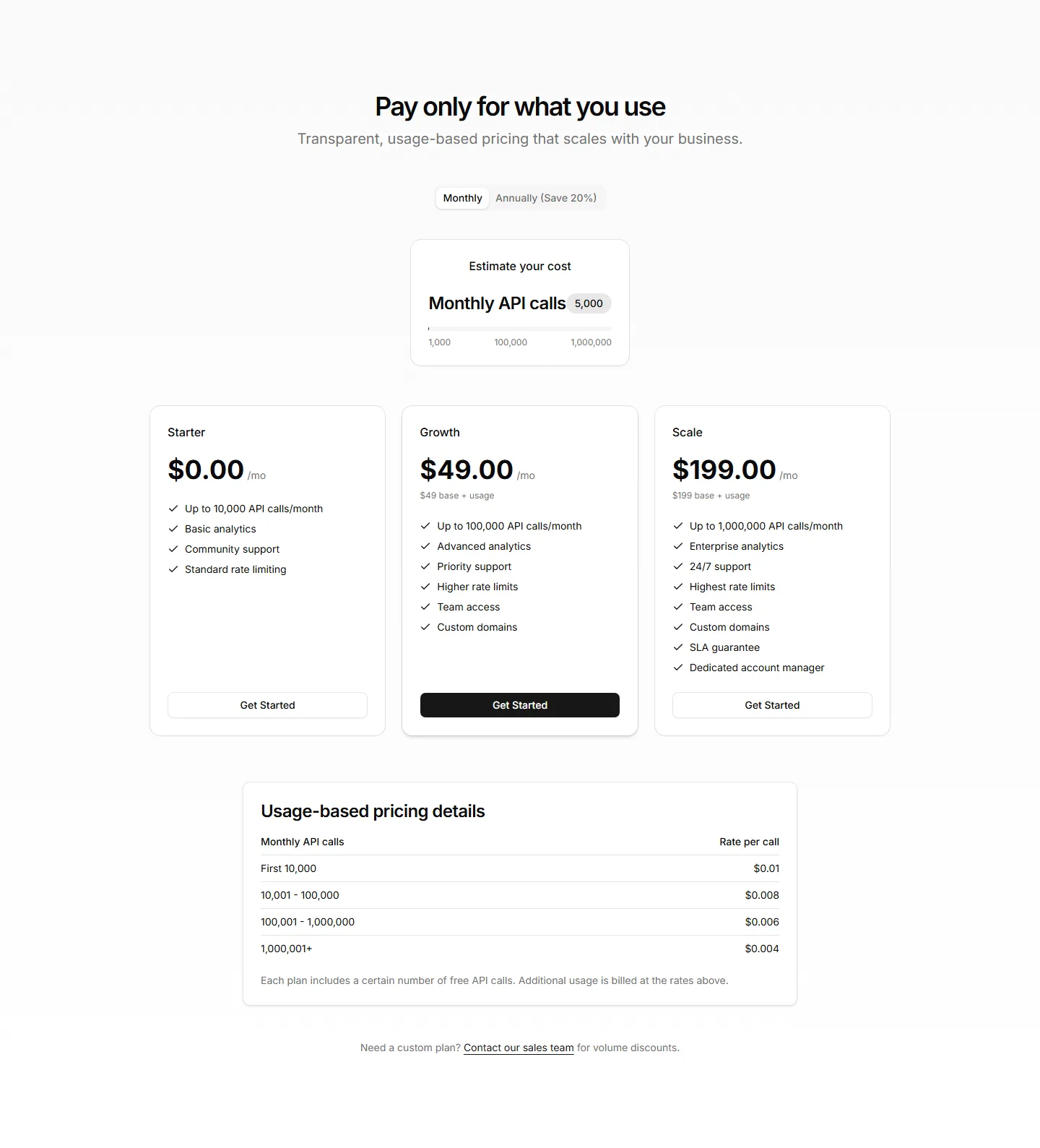
A row of pricing cards listing plan names, prices, and features with a clear call to action. Drop it on a pricing page to compare tiers at a glance.
A plan builder where buyers pick features and quantities to assemble a quote. Use it for modular apps where every customer needs a different mix.
A pricing layout pairing standard tiers with a contact sales panel for large accounts. Use it when bigger deals need custom quotes and a human conversation.
A pricing table mapping every feature to each plan across rows and columns. Use it when buyers want to confirm exactly what each tier includes before paying.
A wide pricing row that lays plans side by side in a single band. Fits narrow page slots and pages where you want plans visible without much scrolling.
A pricing section that updates prices and highlights as buyers select options. Use it when choices like seats or add ons should reflect cost instantly.
A pared back pricing layout with generous spacing, plain type, and one clear price. Use it when a single plan or clean brand needs no visual clutter.
A contemporary pricing section with bold cards, soft shadows, and accent gradients. Use it to give a polished, current feel to a app or SaaS page.
A pricing section with promotional banners and limited time discounts on each plan. Use it for holiday sales, launches, and campaigns that push urgency.
A clean pricing section showing a few plans with price, features, and a button each. Use it when you want fast comprehension without extra decoration.
A pricing layout that stacks plan cards vertically for narrow columns and phones. Use it on mobile first pages or sidebars where width is limited.
A pricing section that pairs plan cards with customer quotes and logos. Use it to add social proof right where buyers weigh price and decide to commit.


