


Animated icon grid
A grid of feature icons that animate into view on scroll. Adds motion to a list of capabilities so each benefit catches the eye as users read down.
A two column grid pairing each icon with a heading and short paragraph. Lays out a handful of app features in a clean, balanced reading layout.
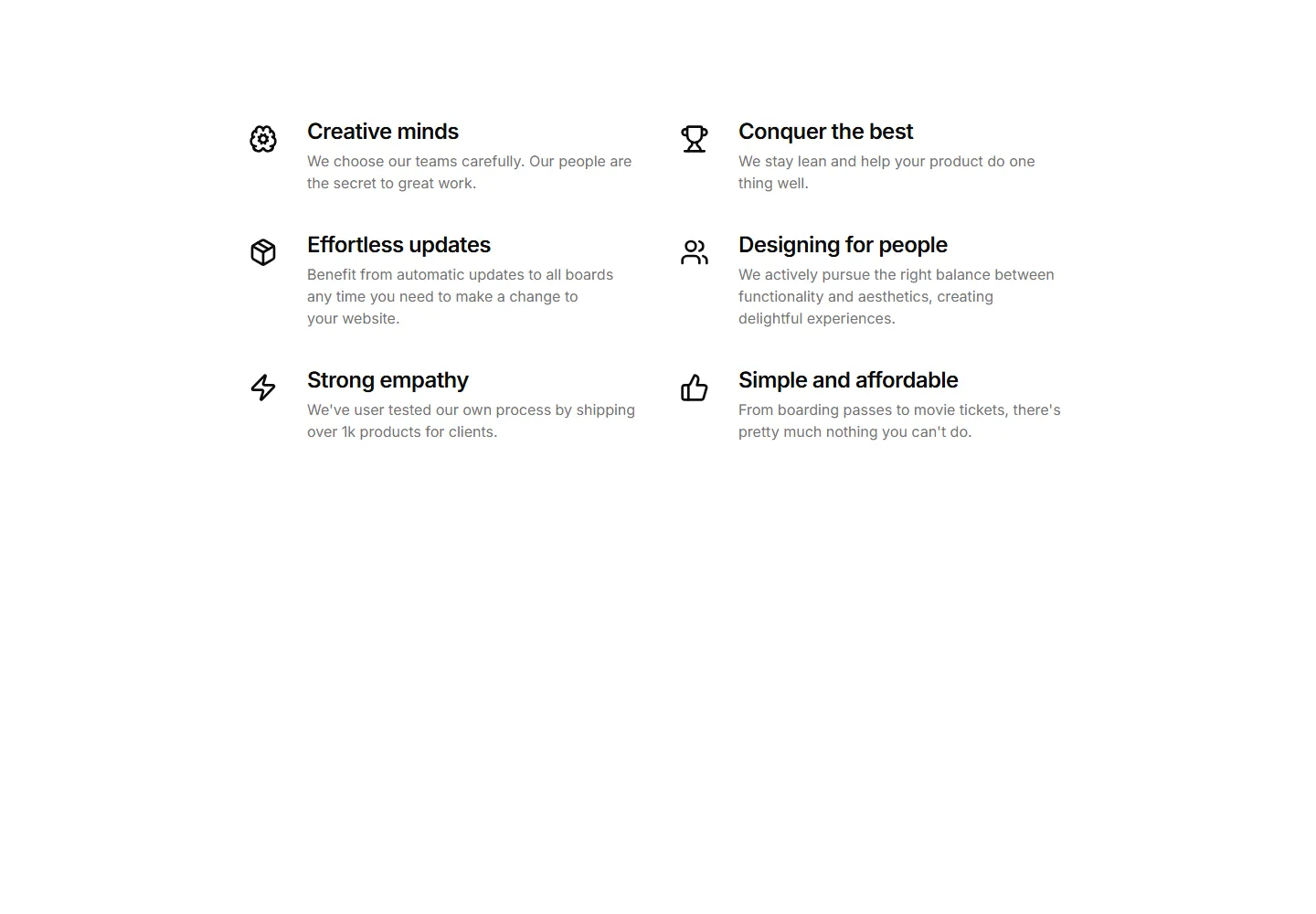
A grid of feature icons that animate into view on scroll. Adds motion to a list of capabilities so each benefit catches the eye as users read down.
A centred intro paragraph above a row of icon blocks. Frames a section theme, then lists supporting features in tidy, evenly spaced columns.
Centre aligned icons set in soft circles, each with a title and caption. A friendly way to present three or four core benefits on a landing page.
A tight vertical list pairing icons with numbers and labels. Shows key metrics in a small footprint, ideal for sidebars or dense feature pages.
A split layout with a section heading and copy on the left and stacked icon blocks on the right. Pairs a narrative pitch with scannable feature points.
Icon cards that expand on click to reveal more detail. Keeps the section compact while letting curious visitors dig into any feature they choose.
Icon tabs that switch between feature panels in place. Lets visitors explore several capabilities without scrolling, one focused view at a time.
A horizontal strip of icon cards users swipe or scroll through. Fits many features in limited height and reads naturally on mobile screens.
A carousel rotating through icon features one slide at a time. Highlights a long list of capabilities without crowding the page or overwhelming readers.
A grid of stat cards pairing an icon with a bold number and label. Surfaces growth figures and key results to build trust on a marketing page.
Category tabs marked with icons that filter the features shown below. Helps visitors jump straight to the feature set that matches their needs.
A vertical timeline with an icon at each step. Walks visitors through a process or app journey in clear order, one milestone after another.


