


Icon feature carousel
A carousel rotating through icon features one slide at a time. Highlights a long list of capabilities without crowding the page or overwhelming readers.
A horizontal strip of icon cards users swipe or scroll through. Fits many features in limited height and reads naturally on mobile screens.
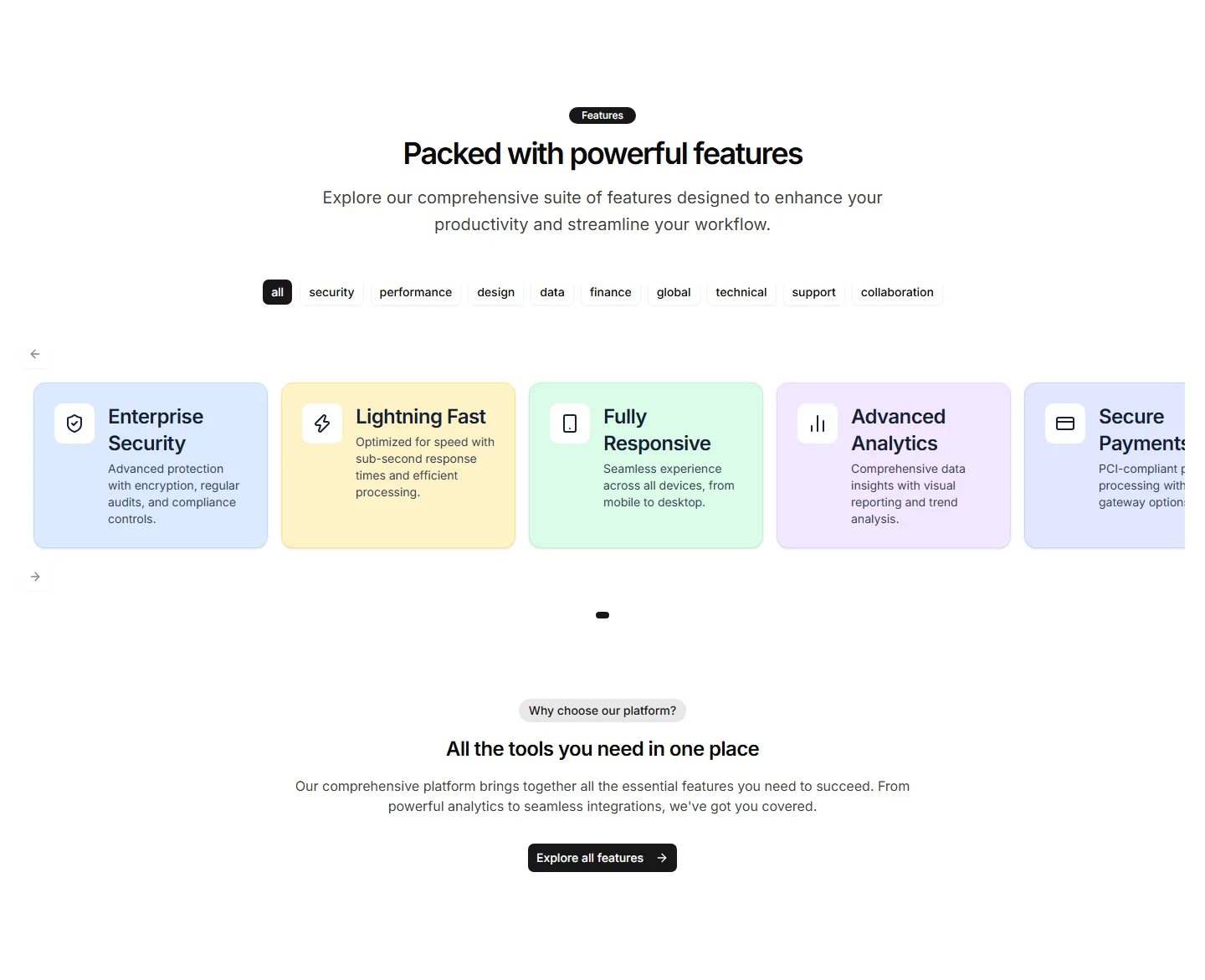
A carousel rotating through icon features one slide at a time. Highlights a long list of capabilities without crowding the page or overwhelming readers.
A grid of stat cards pairing an icon with a bold number and label. Surfaces growth figures and key results to build trust on a marketing page.
Category tabs marked with icons that filter the features shown below. Helps visitors jump straight to the feature set that matches their needs.
A vertical timeline with an icon at each step. Walks visitors through a process or app journey in clear order, one milestone after another.
A row of icons that reveal a short tooltip on hover. Packs many features into a small space while keeping extra detail one cursor away.
An interactive panel where hovering an icon updates the description beside it. Invites visitors to explore features at their own pace and stay engaged.
A set of cards pairing an icon with a headline metric and caption. Presents results, usage, or savings in confident, easy to scan tiles.
Clean tiles showing an icon, a number, and a short label. A spare way to display a few key stats without distracting from the surrounding copy.
Icons arranged in a circular, radial pattern around a central label. A distinctive way to show how features connect to one core app idea.
Solid filled icons that shift colour or lift on hover. Adds tactile feedback to a feature grid so the section feels responsive as visitors browse.
Vertically stacked icon cards, each with a title and short blurb. Reads top to bottom on any screen and keeps a long feature list easy to follow.
A two column grid pairing each icon with a heading and short paragraph. Lays out a handful of app features in a clean, balanced reading layout.


