


Video feature showcase
A section that pairs an embedded item video with supporting feature copy. Shows the item in action when motion sells better than a still.
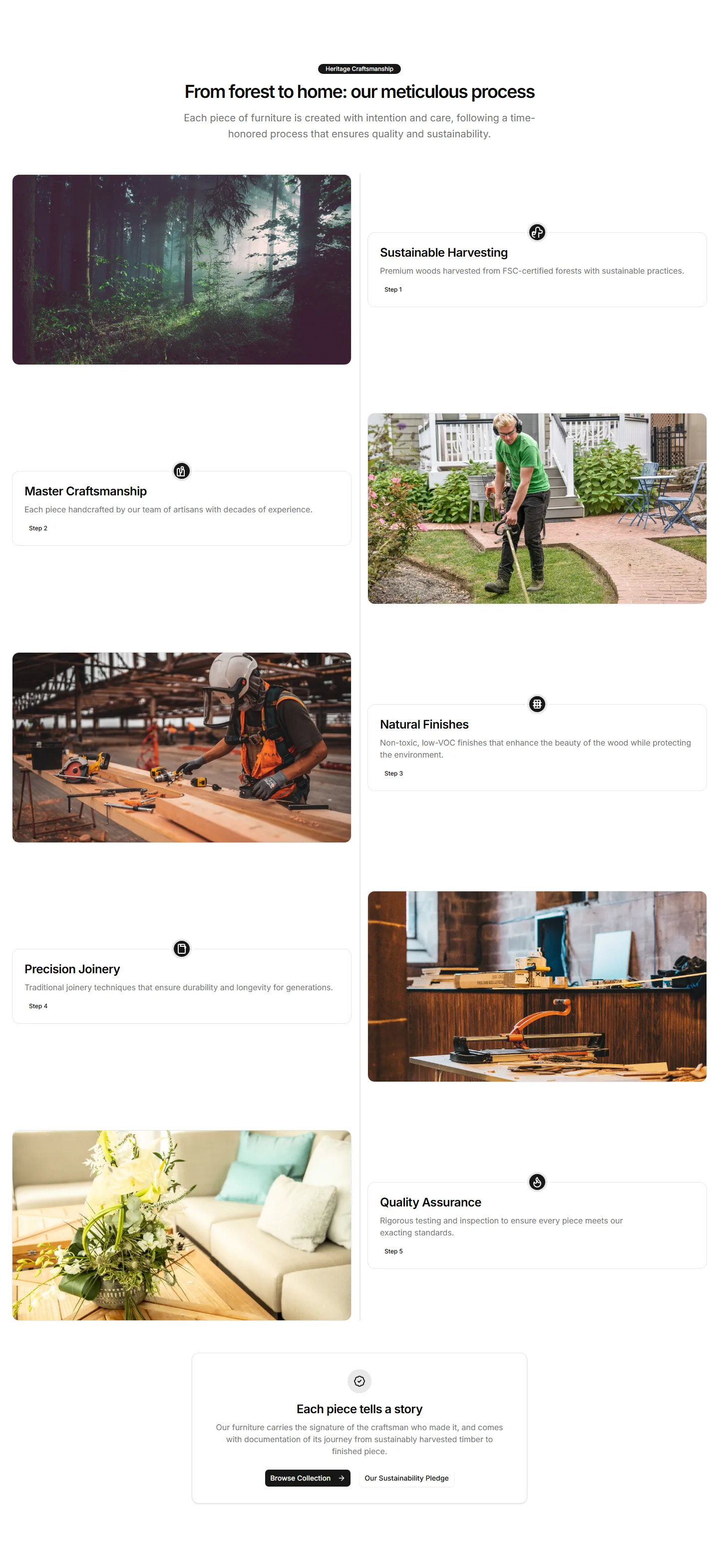
A timeline that reveals item features step by step as buyers scroll. Good for guiding readers through a journey from first use to results.
A section that pairs an embedded item video with supporting feature copy. Shows the item in action when motion sells better than a still.
A rotating carousel that shows item features on 3D cards with depth and motion. Great for highlighting a few standout capabilities on a landing page.
Stacked rows that flip image and text from left to right as you scroll. Walks shoppers through key item benefits one clear section at a time.
A grid of feature cards with icons and motion that triggers as cards enter view. Adds life to a benefits section without burying the message.
A slider that wipes between two item images so buyers see the difference at a glance. Ideal for skincare, editing tools, or cleaning results.
A swipeable carousel that steps through item features with image and copy per slide. Fits compact pages where space for many cards is tight.
A grid of feature cards that open to reveal more detail on click. Keeps the overview tidy while letting curious shoppers dig into the specifics.
Stacked panels that expand one feature at a time so each gets full focus. A clean way to present detailed item benefits without a wall of text.
A table that lines up features across plans or models with clear check marks. Helps shoppers weigh every option and pick the right item fast.
Tabbed sections that swap feature content as buyers click each label. Organizes a deep feature set into bite sized views on one tidy single panel.
A vertical timeline that walks through item features in sequence. Useful for showing a setup flow or how capabilities build on each other.
A layout that pairs item features with a customer quote beside them. Backs each benefit claim with real proof to win hesitant buyers over.


