


Feature comparison table
A table that lines up features across plans or models with clear check marks. Helps shoppers weigh every option and pick the right item fast.
Stacked panels that expand one feature at a time so each gets full focus. A clean way to present detailed item benefits without a wall of text.
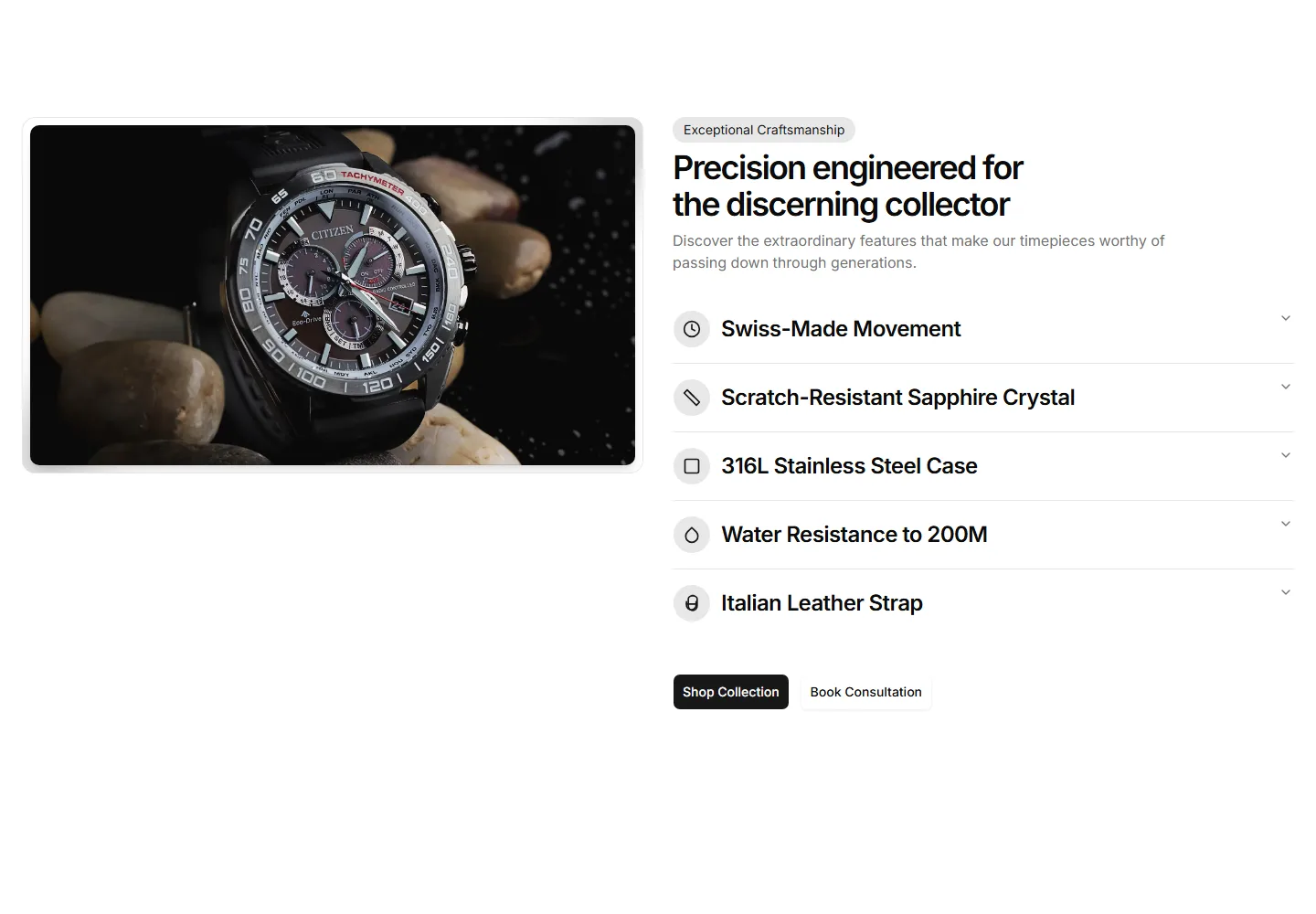
A table that lines up features across plans or models with clear check marks. Helps shoppers weigh every option and pick the right item fast.
Tabbed sections that swap feature content as buyers click each label. Organizes a deep feature set into bite sized views on one tidy single panel.
A vertical timeline that walks through item features in sequence. Useful for showing a setup flow or how capabilities build on each other.
A layout that pairs item features with a customer quote beside them. Backs each benefit claim with real proof to win hesitant buyers over.
A row of feature panels that scroll sideways as the page moves. Shows many item capabilities in a compact, playful strip that invites swiping.
A item image dotted with clickable hotspots that reveal each feature in place. Perfect for showing exactly where a capability lives on the item.
Tabs paired with a live preview that updates as buyers select a feature. Lets shoppers explore what each capability looks like before they buy.
A clean grid of feature cards with an icon, title, and short blurb each. The reliable choice for listing core item benefits at a quick glance.
A two column section with a item photo on one side and feature copy on the other. Balances visual and text to sell a single hero capability.
A section that pairs item features with hard numbers and metrics. Use it when figures like speed or savings make the strongest case to buy.
A timeline that reveals item features step by step as buyers scroll. Good for guiding readers through a journey from first use to results.
A section that pairs an embedded item video with supporting feature copy. Shows the item in action when motion sells better than a still.


