


Features testimonial combo
A layout that pairs item features with a customer quote beside them. Backs each benefit claim with real proof to win hesitant buyers over.
A vertical timeline that walks through item features in sequence. Useful for showing a setup flow or how capabilities build on each other.
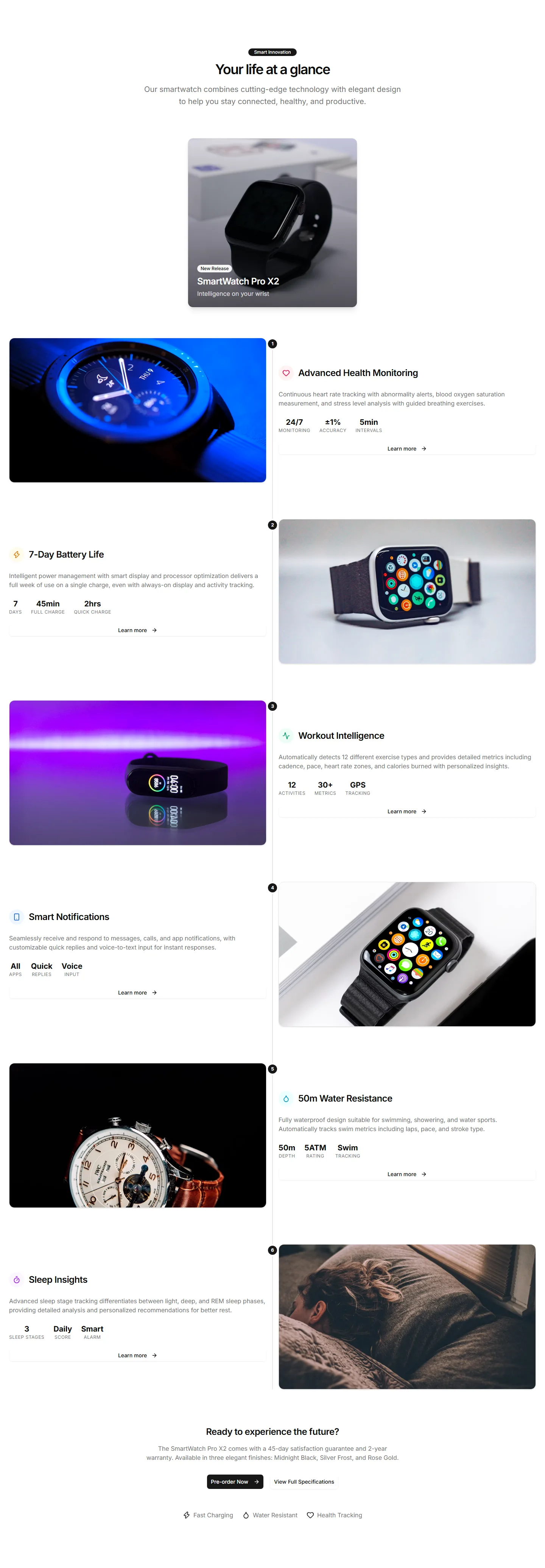
A layout that pairs item features with a customer quote beside them. Backs each benefit claim with real proof to win hesitant buyers over.
A row of feature panels that scroll sideways as the page moves. Shows many item capabilities in a compact, playful strip that invites swiping.
A item image dotted with clickable hotspots that reveal each feature in place. Perfect for showing exactly where a capability lives on the item.
Tabs paired with a live preview that updates as buyers select a feature. Lets shoppers explore what each capability looks like before they buy.
A clean grid of feature cards with an icon, title, and short blurb each. The reliable choice for listing core item benefits at a quick glance.
A two column section with a item photo on one side and feature copy on the other. Balances visual and text to sell a single hero capability.
A section that pairs item features with hard numbers and metrics. Use it when figures like speed or savings make the strongest case to buy.
A timeline that reveals item features step by step as buyers scroll. Good for guiding readers through a journey from first use to results.
A section that pairs an embedded item video with supporting feature copy. Shows the item in action when motion sells better than a still.
A rotating carousel that shows item features on 3D cards with depth and motion. Great for highlighting a few standout capabilities on a landing page.
Stacked rows that flip image and text from left to right as you scroll. Walks shoppers through key item benefits one clear section at a time.
A grid of feature cards with icons and motion that triggers as cards enter view. Adds life to a benefits section without burying the message.


