


Carousel feature showcase
A swipeable carousel that steps through item features with image and copy per slide. Fits compact pages where space for many cards is tight.
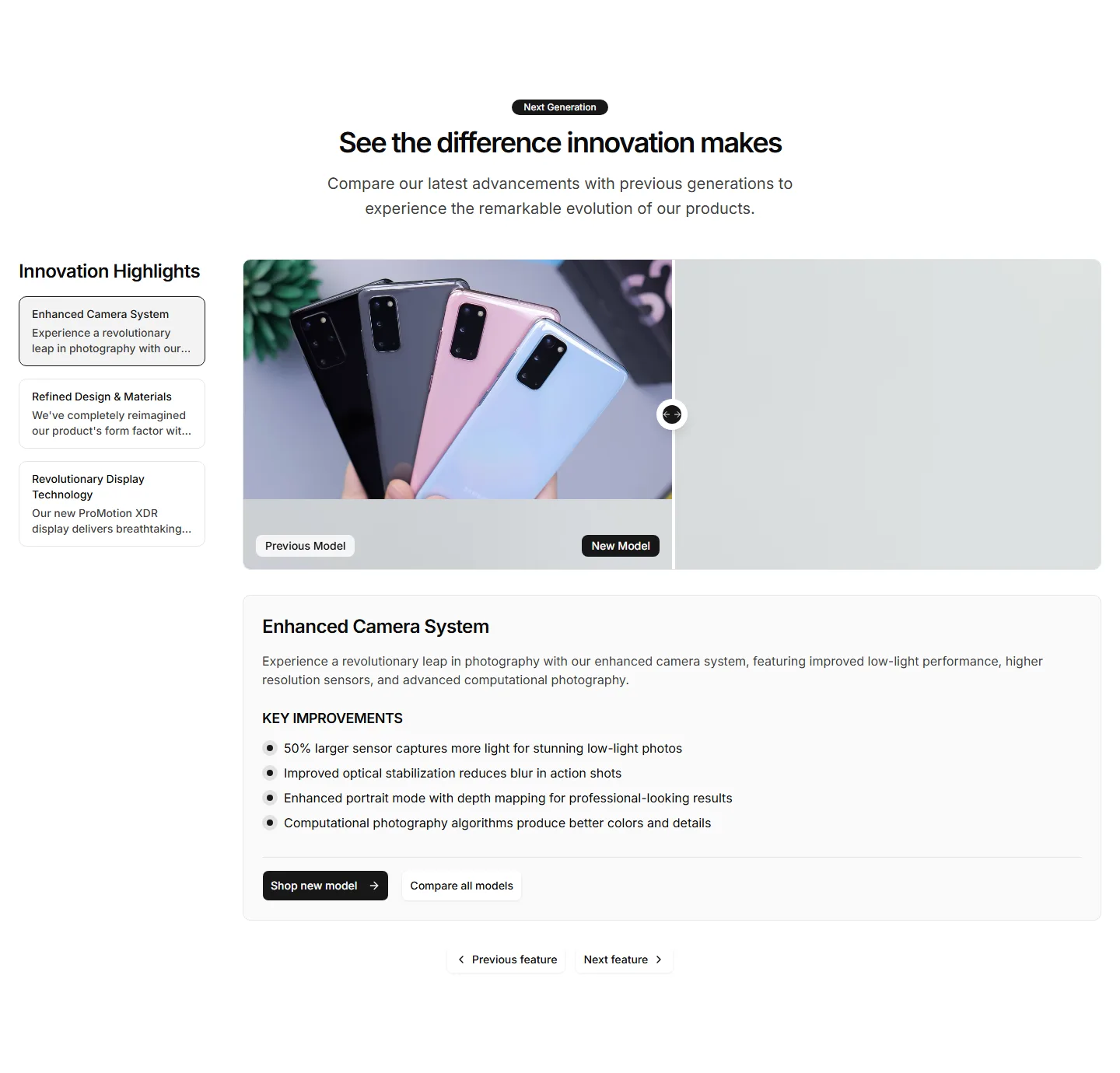
A slider that wipes between two item images so buyers see the difference at a glance. Ideal for skincare, editing tools, or cleaning results.
A swipeable carousel that steps through item features with image and copy per slide. Fits compact pages where space for many cards is tight.
A grid of feature cards that open to reveal more detail on click. Keeps the overview tidy while letting curious shoppers dig into the specifics.
Stacked panels that expand one feature at a time so each gets full focus. A clean way to present detailed item benefits without a wall of text.
A table that lines up features across plans or models with clear check marks. Helps shoppers weigh every option and pick the right item fast.
Tabbed sections that swap feature content as buyers click each label. Organizes a deep feature set into bite sized views on one tidy single panel.
A vertical timeline that walks through item features in sequence. Useful for showing a setup flow or how capabilities build on each other.
A layout that pairs item features with a customer quote beside them. Backs each benefit claim with real proof to win hesitant buyers over.
A row of feature panels that scroll sideways as the page moves. Shows many item capabilities in a compact, playful strip that invites swiping.
A item image dotted with clickable hotspots that reveal each feature in place. Perfect for showing exactly where a capability lives on the item.
Tabs paired with a live preview that updates as buyers select a feature. Lets shoppers explore what each capability looks like before they buy.
A clean grid of feature cards with an icon, title, and short blurb each. The reliable choice for listing core item benefits at a quick glance.
A two column section with a item photo on one side and feature copy on the other. Balances visual and text to sell a single hero capability.


