


Icon collapsible
A collapsible row with a chevron icon that rotates as the panel opens and closes. Use it in menus where a clear visual cue tells readers it expands.
Several collapsible panels stacked together so readers open one section at a time. Good for settings pages where related options sit in separate groups.
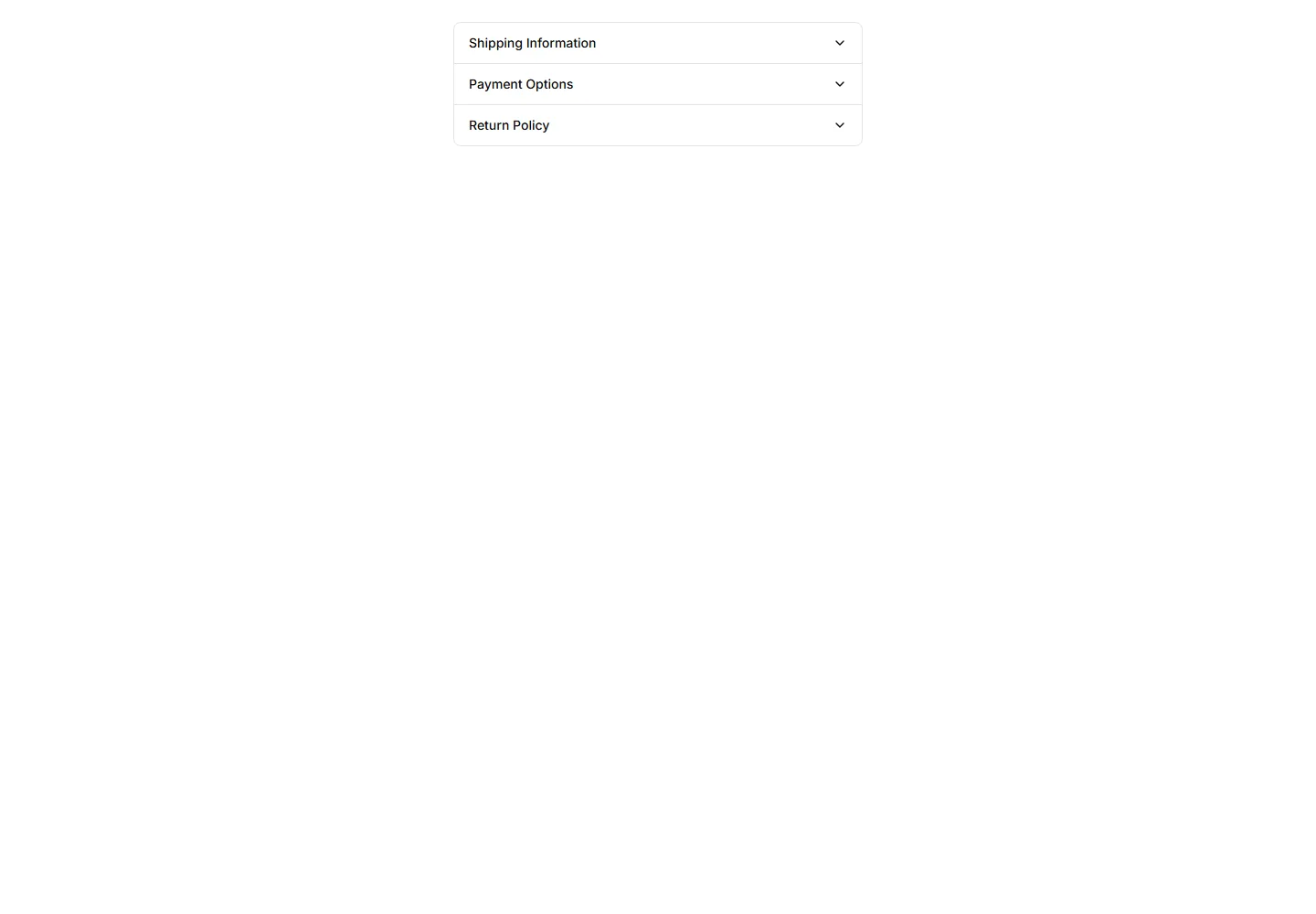
A collapsible row with a chevron icon that rotates as the panel opens and closes. Use it in menus where a clear visual cue tells readers it expands.
A collapsible panel with a soft shadow that lifts it off the page. Use it to highlight an expandable block of content inside a busy layout or feed.
A collapsible panel with a colored bar down one side to mark its state. Use it for alerts or notes whose details readers can show or hide on demand.
Numbered collapsible steps that reveal instructions one at a time. Use it for onboarding or setup guides where readers work through tasks in order.
A card that expands to reveal extra detail when clicked, keeping the summary visible. Use it on dashboards to tuck away long notes inside a tidy tile.
An accordion where each item border softly fades on open. Adds a quiet visual cue for active panels in FAQs and settings without loud styling.
An accordion built from separated cards, each panel raised on its own surface. Good for FAQs or feature details that need clear visual separation.
An accordion divided by dashed lines between items. The light dashed rhythm keeps long FAQ lists readable while staying subtle and unobtrusive.
An accordion framed by a dotted border around each panel. The playful dotted outline suits informal FAQs, help docs, and friendly onboarding tips.
An accordion with a double line framing every item. The layered borders add clear structure for FAQs and specs where rows need firm definition.
An accordion whose answer text gently fades in as a panel opens. The soft entrance keeps reader focus on the revealed content in FAQs and guides.
An accordion where the question label lifts up as the panel opens. The floating title keeps context visible while reading through long FAQ answers.


