


Fade in content accordion
An accordion whose answer text gently fades in as a panel opens. The soft entrance keeps reader focus on the revealed content in FAQs and guides.
An accordion with a double line framing every item. The layered borders add clear structure for FAQs and specs where rows need firm definition.
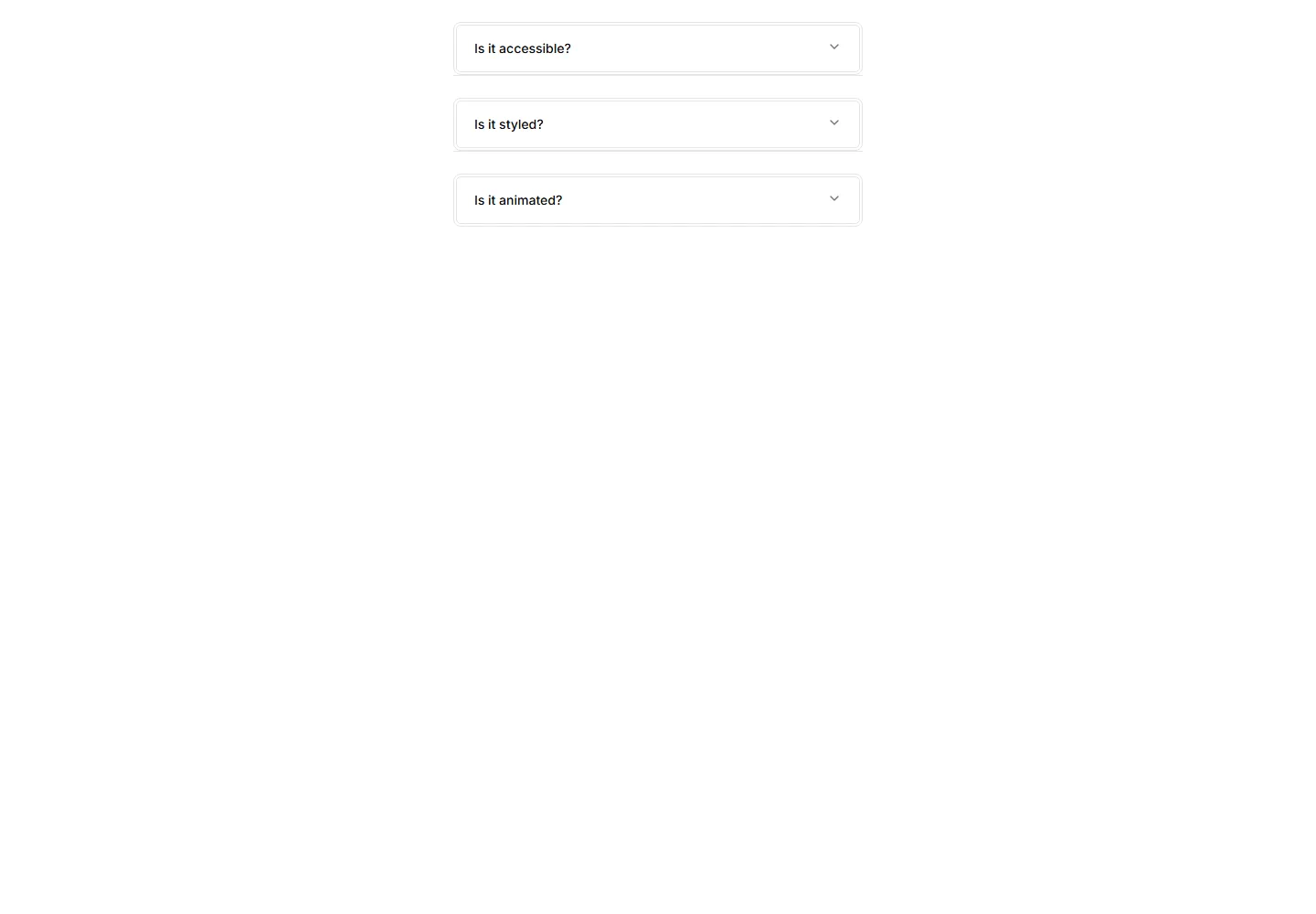
An accordion whose answer text gently fades in as a panel opens. The soft entrance keeps reader focus on the revealed content in FAQs and guides.
An accordion where the question label lifts up as the panel opens. The floating title keeps context visible while reading through long FAQ answers.
An accordion with a glowing border on the open item. The lit edge draws the eye to the active panel, fitting dark themes and modern app FAQs.
An accordion that tints the background of the open item. The highlighted row keeps your place in long FAQ lists and dense app documentation.
An accordion with thin divider lines and no boxes at all. The stripped back style fits clean FAQs, sidebars, and content heavy marketing pages.
An accordion supporting nested items inside bordered panels. Use it for layered FAQs, docs, and settings where topics branch into subtopics.
An accordion with a number beside every question. The counted order suits step guides, ranked FAQs, and any sequence readers follow in turn.
An accordion that lifts each item with a soft shadow on open. The raised panel clearly signals the active answer in FAQs and feature breakdowns.
An accordion styled as numbered steps with connecting markers. Ideal for setup flows, tutorials, and any process that readers complete in order.
An accordion with a bold colored bar down the side of each item. The thick accent marks active rows in FAQs and grabs reader attention quickly.
An accordion where each question sits above a single underline. The clean text first look fits editorial FAQs and quiet, tidy help sections.
An accordion where each item border softly fades on open. Adds a quiet visual cue for active panels in FAQs and settings without loud styling.


