

Good fit
Internal or customer-facing dashboards where users move from summary to action.
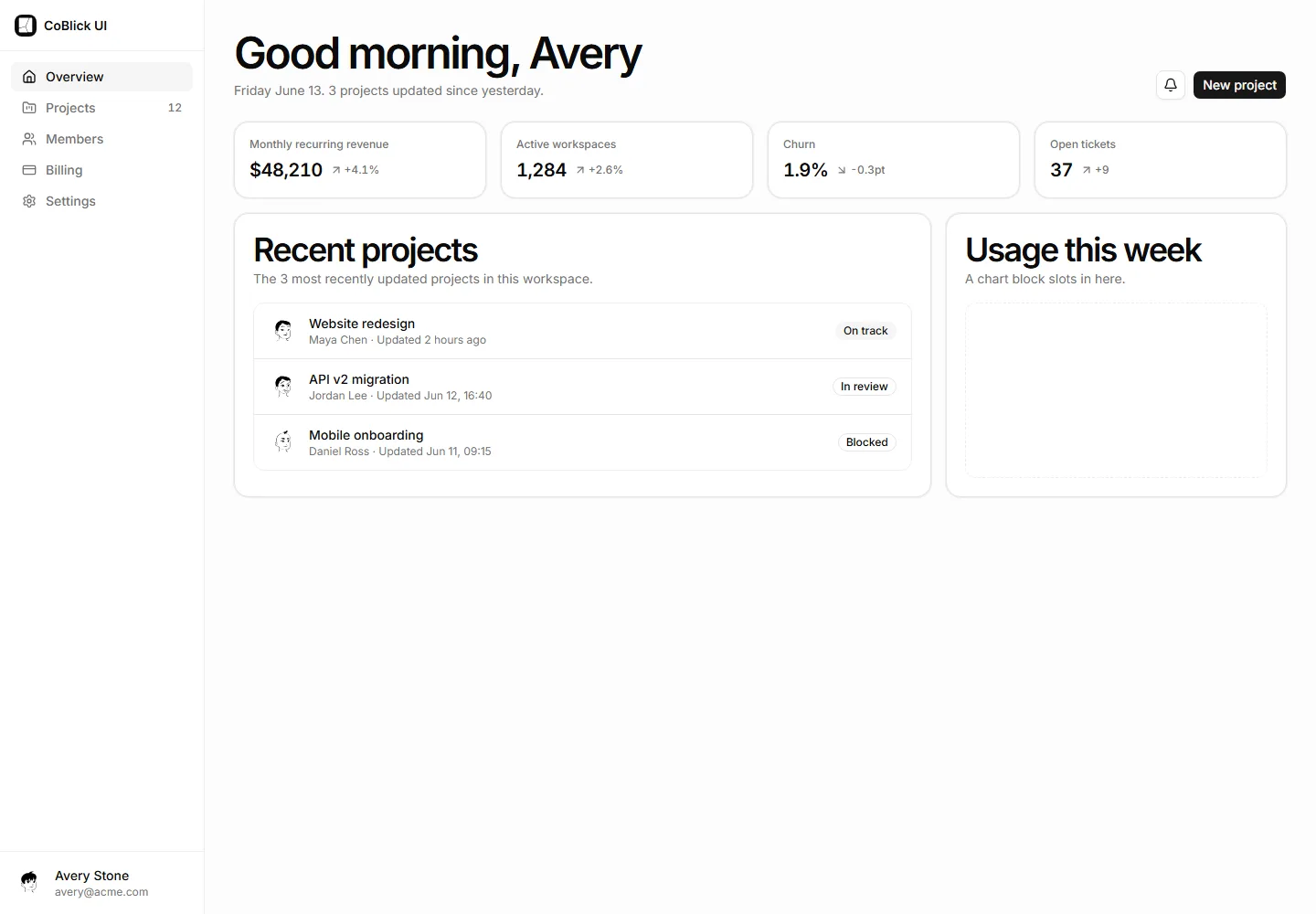
A dashboard shell, live summaries, a records table with filters and actions, and an audit trail.
These screens are included in this order. Open any block to inspect its source and states.
Every screen is editable React source. You connect it to your routes, data, authentication, and providers.
Provide dashboard navigation
You connect: Navigation and authorization come from the host application.
Arrange operational summaries
You connect: Cards render host-supplied metrics with freshness labels.
Filter and act on records
You connect: Server queries enforce scope, sorting, and pagination.
Explain recent changes
You connect: Audit events are append-only server evidence.
CoBlick supplies the interface. Your app stays in control of customer data and business rules.
Your app controls permissions, filters, pagination, and data freshness.
Add the shell, summaries, working table, and activity timeline.
Store an append-only record after each important action.
The setup estimate assumes your routes and APIs already exist.
Internal or customer-facing dashboards where users move from summary to action.
Static marketing analytics screenshots with no real data or actions.