

Good fit
New SaaS accounts that need several explicit setup decisions before reaching value.
Four screens that take a new customer from their first choice to a ready project. Their progress is saved along the way.
These screens are included in this order. Open any block to inspect its source and states.
Every screen is editable React source. You connect it to your routes, data, authentication, and providers.
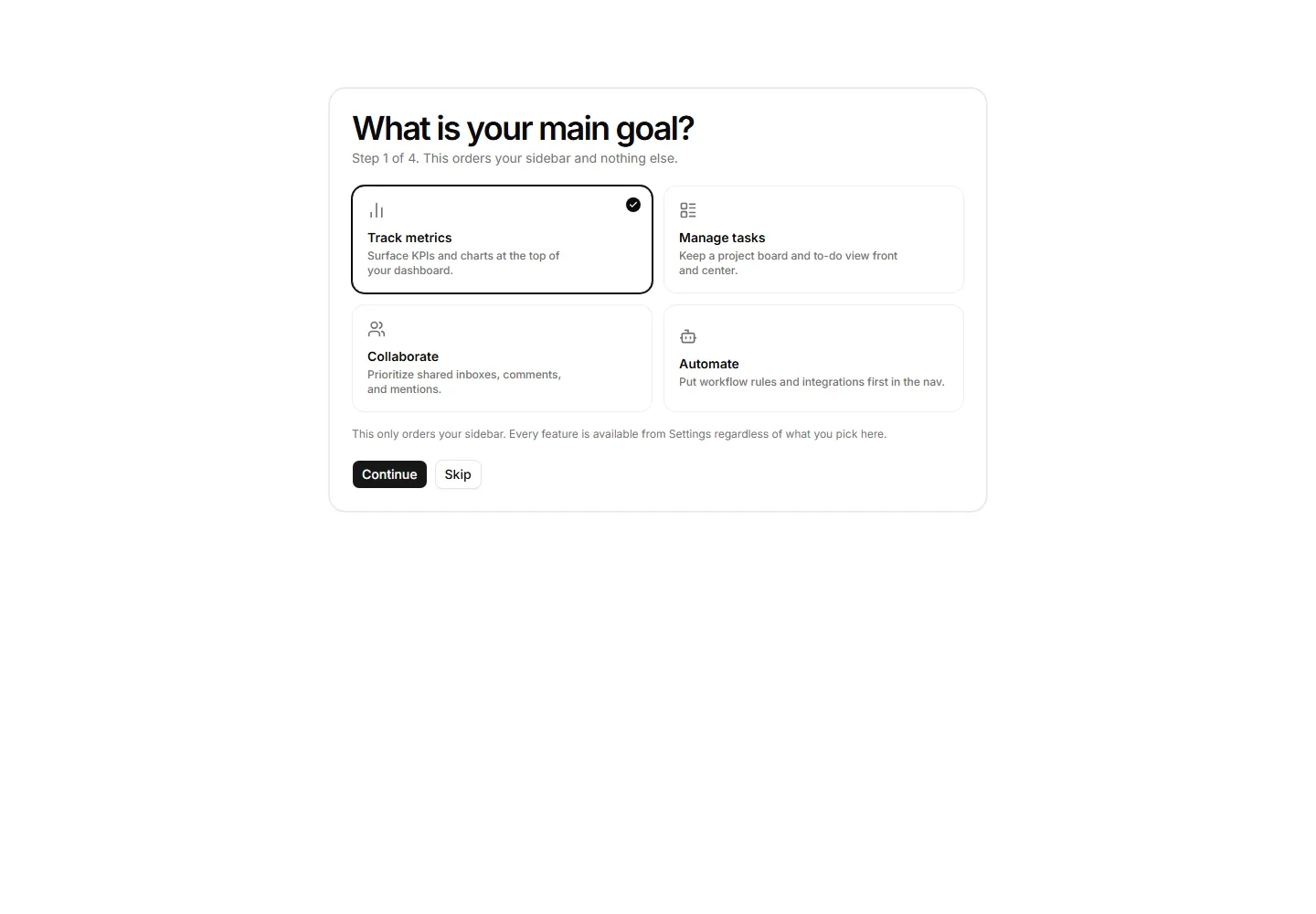
Capture the user’s first outcome
You connect: Owns goal selection only; account creation remains in the host app.
Connect required external tools
You connect: Displays connection state; credentials remain with each provider.
Show resumable setup progress
You connect: Reads durable host state and never invents completion.
Move the user into the first project
You connect: Creates no data until the host action succeeds.
CoBlick supplies the interface. Your app stays in control of customer data and business rules.
Your app keeps control of sign-in, permissions, and saved progress.
Add goal selection, tool connections, progress, and the first-project screen.
Create the project only after the customer confirms their choices.
The setup estimate assumes your routes and APIs already exist.
New SaaS accounts that need several explicit setup decisions before reaching value.
Single-field registration or apps with no post-signup setup.