


Featured resource card
A prominent card spotlighting one downloadable resource with a cover, summary, and button. Use it to push a flagship guide or template to visitors.
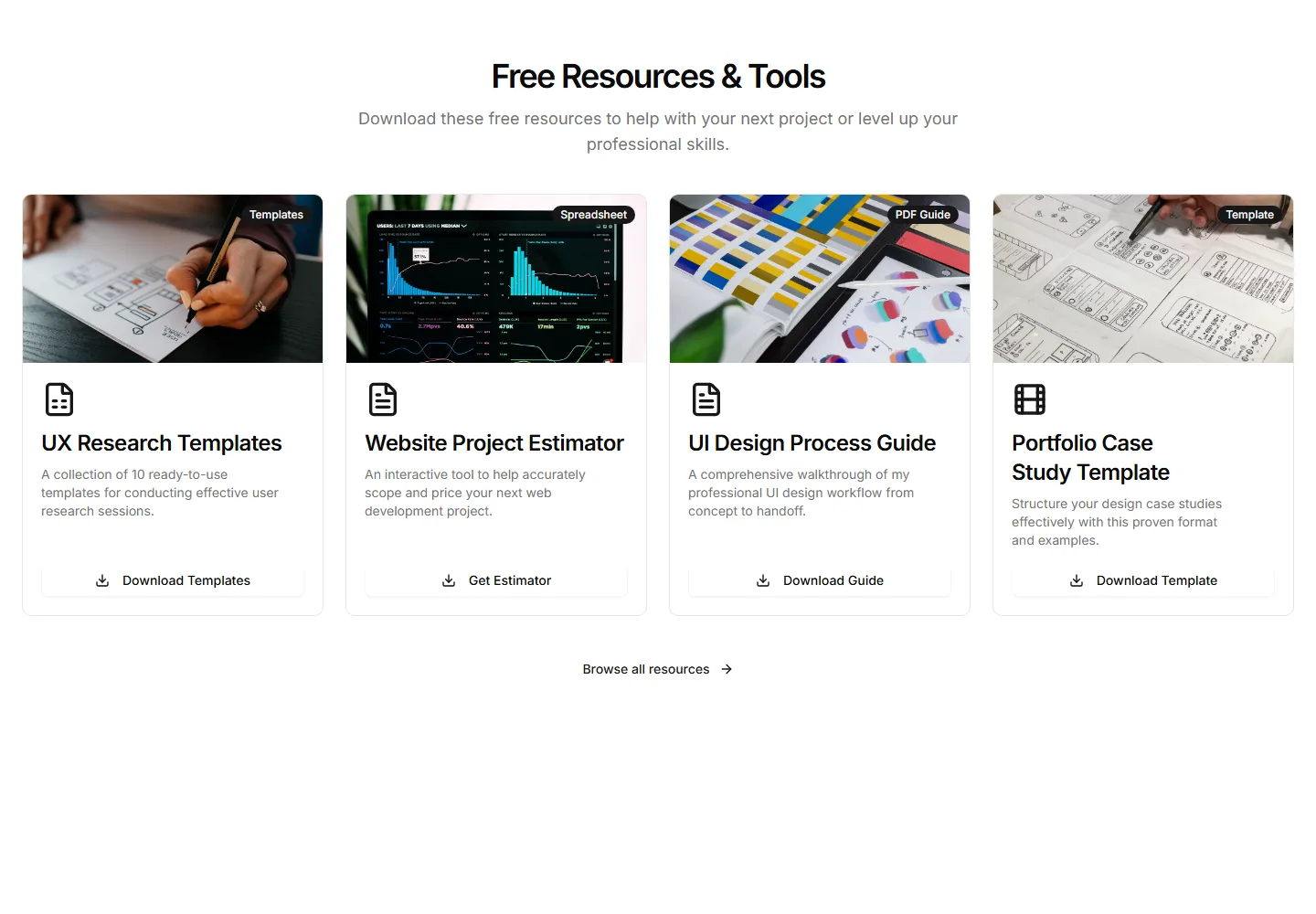
A grid of resource cards, each with an icon, title, and download action. Use it to present a full library of guides and templates in one tidy section.
A prominent card spotlighting one downloadable resource with a cover, summary, and button. Use it to push a flagship guide or template to visitors.
A download offer behind a short email form so visitors trade contact details for the file. Use it to capture leads while sharing a guide or kit.
A compact callout that slots into running text to point readers at a related file. Use it to surface a download right where it stays relevant.
A plain vertical list of resources, each a title and a download link. Use it when you want a quiet, fast index of files with no extra clutter.
A single featured post pinned in a clean card with avatar, caption, and engagement counts. Spotlights your best content when one example carries the message.
A responsive photo grid that mirrors an Instagram profile layout with hover overlays for likes and comments. Use it to preview a visual feed on a portfolio.
A compact row of platform icons that link out to every profile you maintain. Drop it in a footer or sidebar so visitors can follow you anywhere fast.
A swipeable carousel of tweet cards with author, timestamp, and text. Rotate through recent posts or testimonials without stacking them down the page.
A horizontal strip of YouTube thumbnails with titles and view counts. Place it on a channel page to let visitors scan and open videos in one click.
A chronological archive grouping posts under large year labels with post counts, each year holding a ruled list of titles, dates, and read times.
A reading-width prose column with h2 sections, body paragraphs, a pull-quote, and an inline Placeholder image demonstrating long-form typographic rhythm.
Two article series cards with status badges, descriptions, numbered part rows showing read times or a coming soon badge, and start reading links.


