


Zigzag layout
Alternating rows that flip image and text side to side down the page. Use it to give each project room to breathe with a clear narrative flow.
A row of cards calling out key numbers like projects shipped, clients, and years active. Use it to quantify your track record near the top of a portfolio.
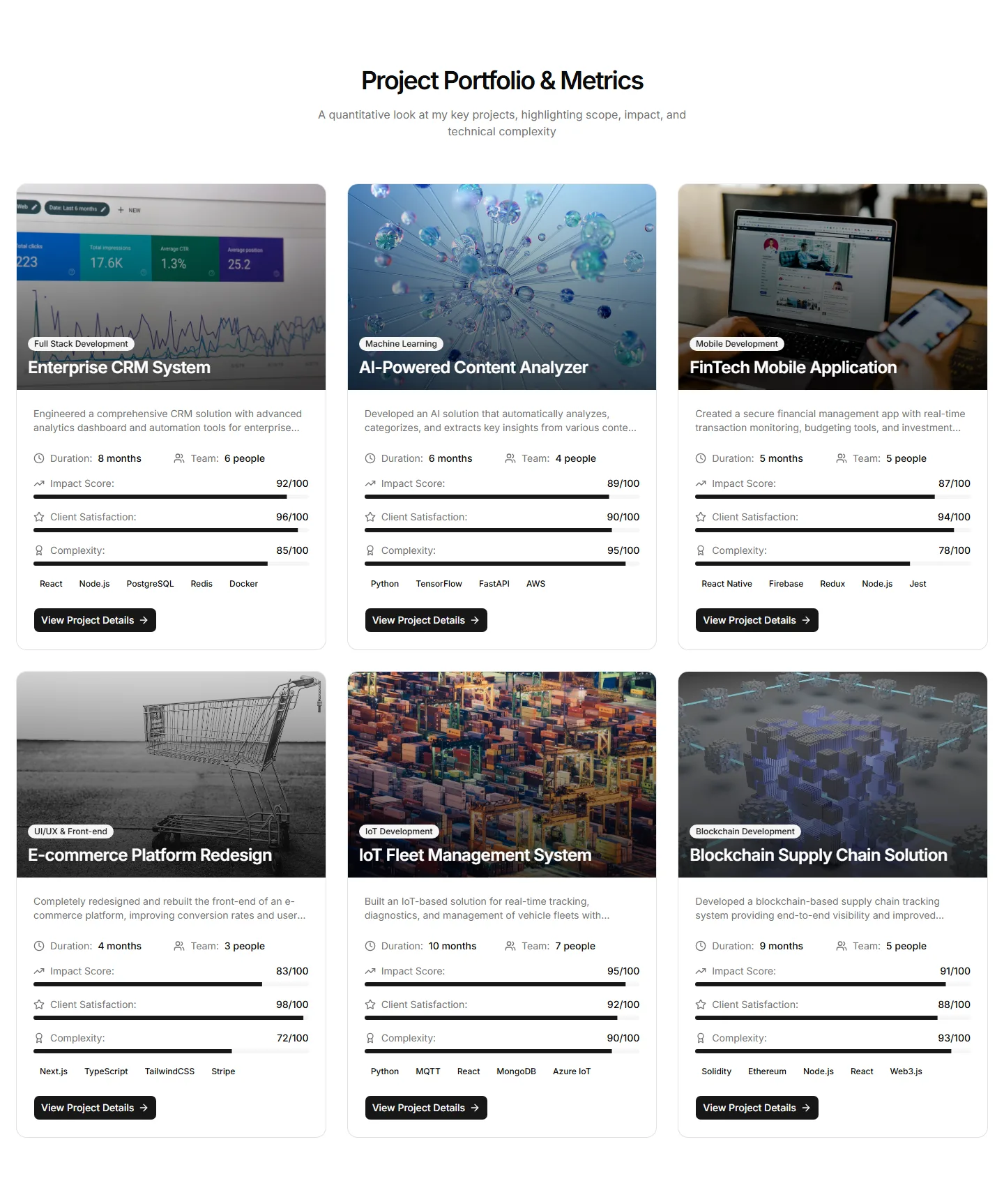
Alternating rows that flip image and text side to side down the page. Use it to give each project room to breathe with a clear narrative flow.
A project grid with category filters across the top so visitors narrow results by tag or type. Use it when a portfolio holds varied work across many fields.
A vertical stack of client quotes paired with project names and roles. Use it to weave testimonials into a project page and back up your results with words.
An even grid of project cards, each with a cover image, title, and short caption. Use it as the main index for browsing a portfolio at a glance.
A single app screen as a Placeholder with numbered markers keyed to a side list naming the design decision behind each area.
A redesign case study with two Placeholder images side by side, each followed by a paragraph that names the problem or outcome and one unresolved edge case.
A case study opening with a full-width Placeholder hero and a bordered panel showing the project title, subtitle, and a meta table of client, role, duration, and year.
A fold-filling project page opener with the project name large, a one-line outcome summary, a four-cell meta row of client, role, year, and deliverables, and a wide cover image.
A ruled list of four navigable case study rows each carrying a thumbnail, a one-line problem statement, a result figure, and a category tag.
An end of case study pager with previous and next project cells carrying thumbnails, summaries, and result lines, plus an all work link.
A case study split telling problem, what I did, and the constraint, with a sticky result strip.
A case study section with a wide Placeholder image above a two-column ruled layout naming the specific challenge and the solution with its test rounds.


