


Map with contact info
Pairs an embedded location map with address, phone, and email details. Use it when clients need to find your studio or office alongside ways to reach you.
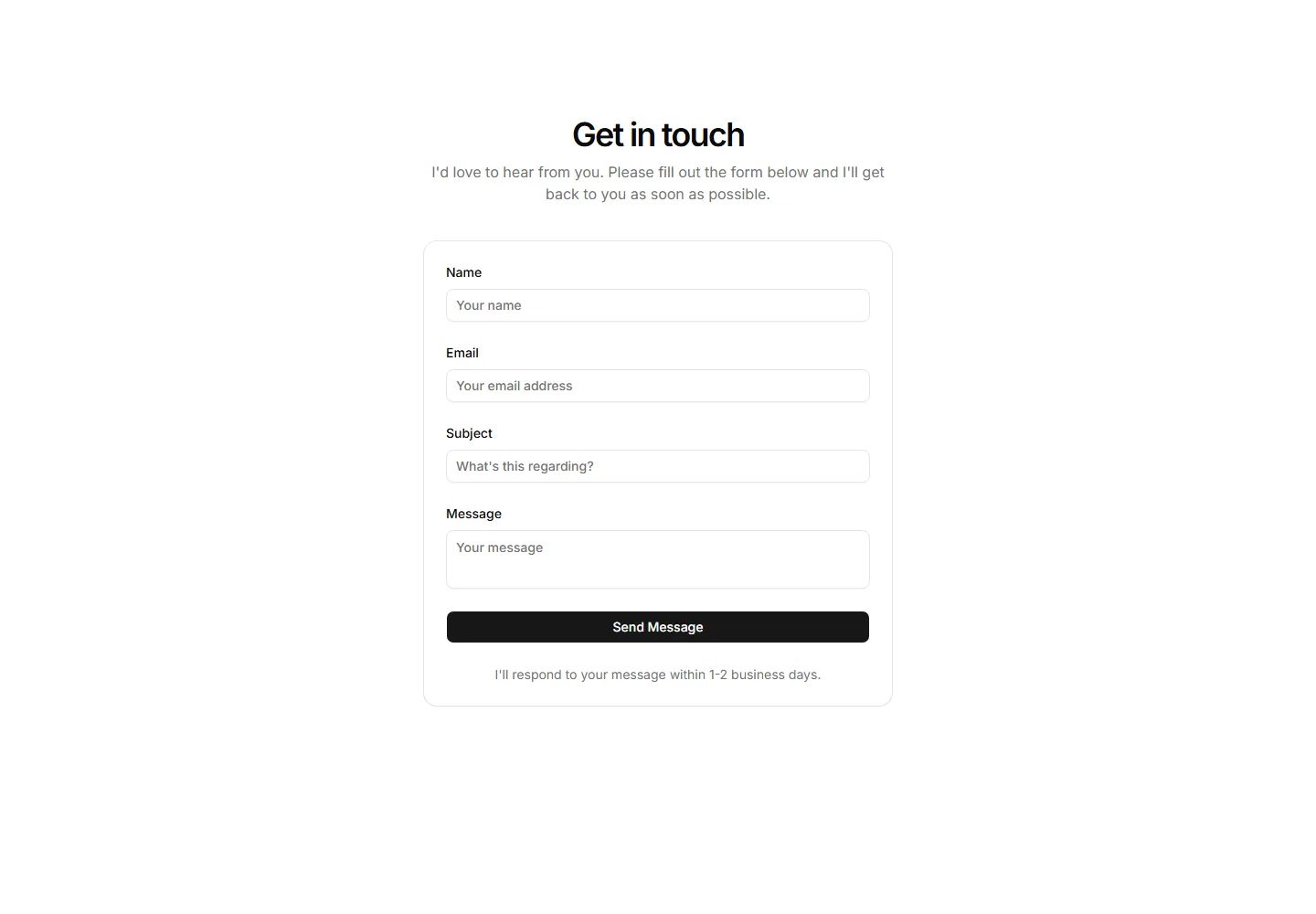
A straightforward contact form with name, email, and message fields plus a submit button. Drop it on a portfolio page so visitors can send a quick note.
Pairs an embedded location map with address, phone, and email details. Use it when clients need to find your studio or office alongside ways to reach you.
A compact contact form sitting beside a row of social media icons. Fits portfolios that want one simple message field and links to your other profiles.
A button that opens the contact form in a modal dialog, keeping the page clean. Good for portfolios where you want the form hidden until a visitor asks.
A two column section with intro copy on one side and the contact form on the other. Balances a personal message with a clear path to get in touch.
A wide banner with a large heading and a single prominent button. Use it to span the page and push visitors toward hiring you or booking a call.
A slim call to action that sits within page content, pairing one line of copy with a button. Place it between sections to nudge readers without interrupting.
A banner combining your portrait with a short pitch and a button. Adds a human face to the ask, ideal for freelancers inviting visitors to connect.
A two column banner with a message on one side and the action button on the other. Keeps the copy and the click target distinct and easy to scan.
A banner that stays fixed as the visitor scrolls, keeping a button always in view. Useful for long portfolio pages where the offer should stay reachable.
An availability strip showing current status and four project criteria sits above a name plus email plus message form so visitors self-qualify before writing.
A six month availability strip of status dot cells, plus a footer pairing an earliest start note with a reserve by email action.
A two column brief intake with submission facts on the left and a form pairing contact fields, a static upload zone, and a link field.


