


Integration spotlight
An integration deep dive with paired marks, a headline, three feature rows, and connect buttons beside a field mapping panel of what syncs each way.
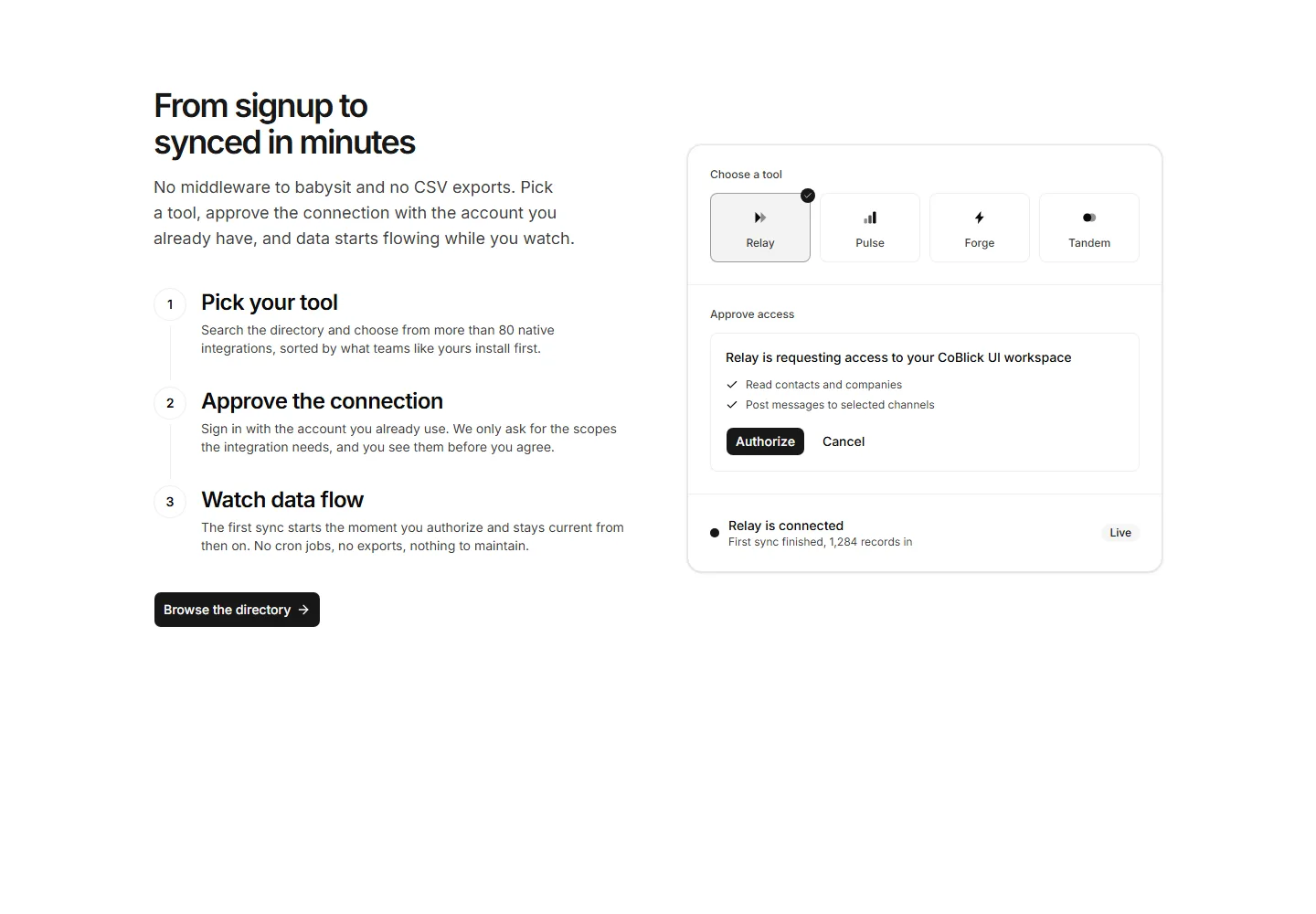
An onboarding split with a headline, a numbered three step timeline, and a blueprint that walks from choosing a tool to the first live sync.
An integration deep dive with paired marks, a headline, three feature rows, and connect buttons beside a field mapping panel of what syncs each way.
Dark integration spotlight with selectable connection sources, CoBlick branding, automatic source animation, and balanced connection and documentation actions.
A text only directory index of four category columns with counts and linked tool names.
A centered panel with icon chips, a stack fit headline, and browse and request buttons.
Nine category tiles with icons and data flow blurbs above a browse all button.
A hub diagram of sources flowing into Acme and attribution flowing back out, with a legend.
API copy and a checklist beside a terminal panel showing a colored webhook payload.
Records synced per day as shadcn bars beside sync lag and success rate facts.
A developer split with a headline, capability ticks, and a docs button beside an inverted code panel with file tabs and token styled lines.
A centered header above a comparison table weighing native apps, no code recipes, and the developer API, with the most popular column highlighted.
An integration directory with a centered header, static category chips, a three by two grid of tool cards with Connect links, and a request line.
Connector requests with vote counts and honest statuses, the declined one kept visible.


