


Tabbed showcase
A tabbed feature showcase with pill triggers for plan, track, and ship views, each pairing copy and a checklist with an app panel mockup.
Two stacked split panels pairing copy and checklists with app window mockups.
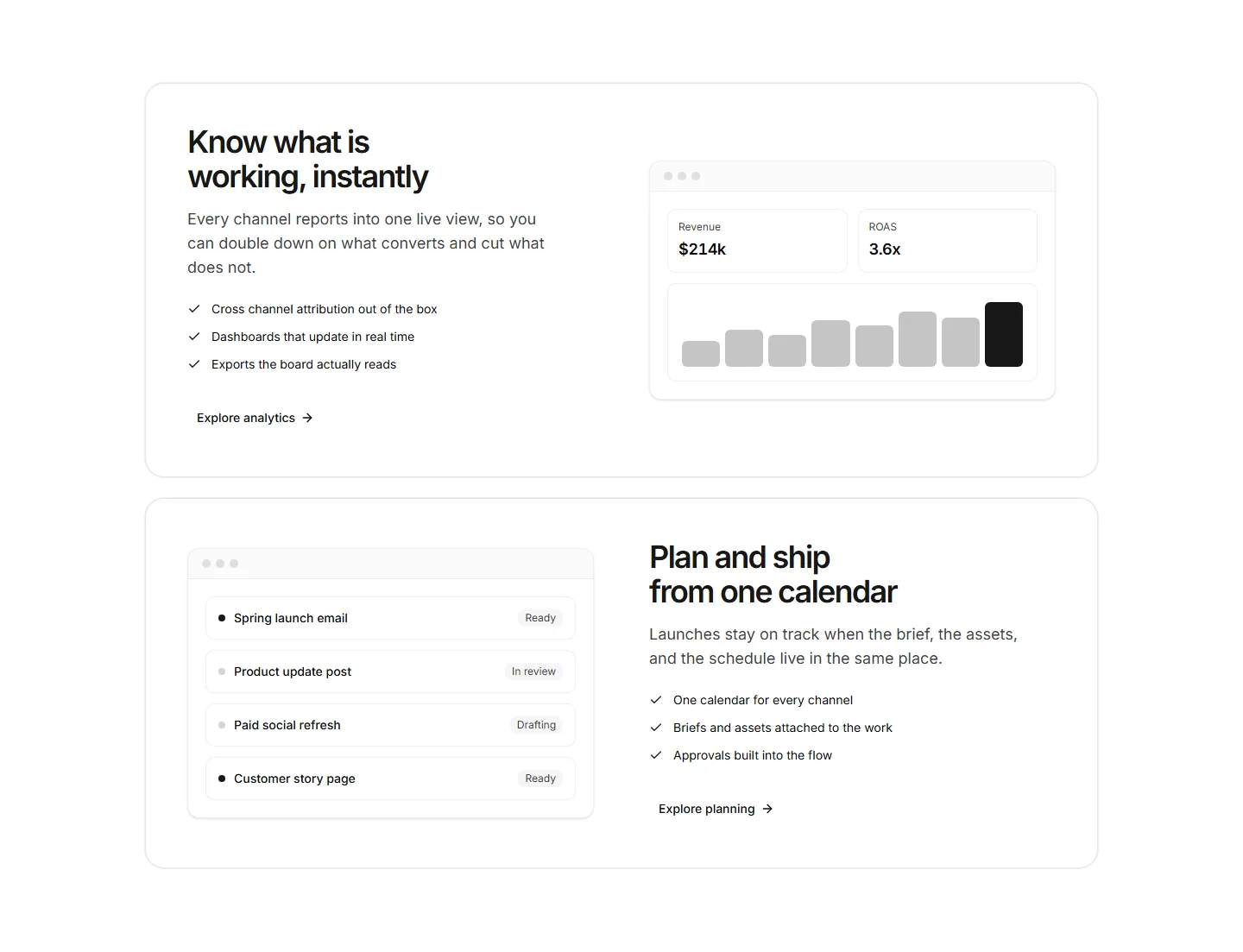
A tabbed feature showcase with pill triggers for plan, track, and ship views, each pairing copy and a checklist with an app panel mockup.
Icon feature grid capped by a divided band of three headline stats.
Three-panel AI app showcase with a working prompt demo, integration grid, model selection and a responsive feature checklist.
Feature cards that tilt in 3D as the cursor moves, each holding an icon, title, and copy. Adds depth to a landing page when you want highlights to feel tactile.
A tidy grid of feature cards, each with an icon, heading, and short description. Lays out several app capabilities at once for a clean overview section.
Stacked feature panels that expand on click to reveal detail and a paired visual. Lets visitors drill into one capability at a time without crowding the page.
A feature section styled as a chat thread, pairing message bubbles with copy. Built to show a messaging or support app talking in real conversation.
Sets two options side by side with checkmarks and notes per row. Use it to contrast your app against an alternative and make the better choice obvious.
Feature copy paired with bold metrics like uptime, users, or speed. Backs your claims with numbers and builds trust on a homepage or app overview.
A vertical timeline that walks through features or milestones in sequence. Ideal for telling how a app flow works or how your story unfolded over time.
A feature layout built around short video clips, each captioned with a benefit. Best when a moving demo explains the value faster than text alone could.
A guided, multi step layout that reveals features as the visitor advances. Useful for onboarding copy or walking through a setup flow one screen at a time.


