


Feature section with comparison
A feature block that places before and after states next to each other. Use it to show the change your app brings and let the difference speak plainly.
Feature highlights in a swipeable carousel, one slide per capability with copy and a visual. Fits many features into a small space without a long scroll.
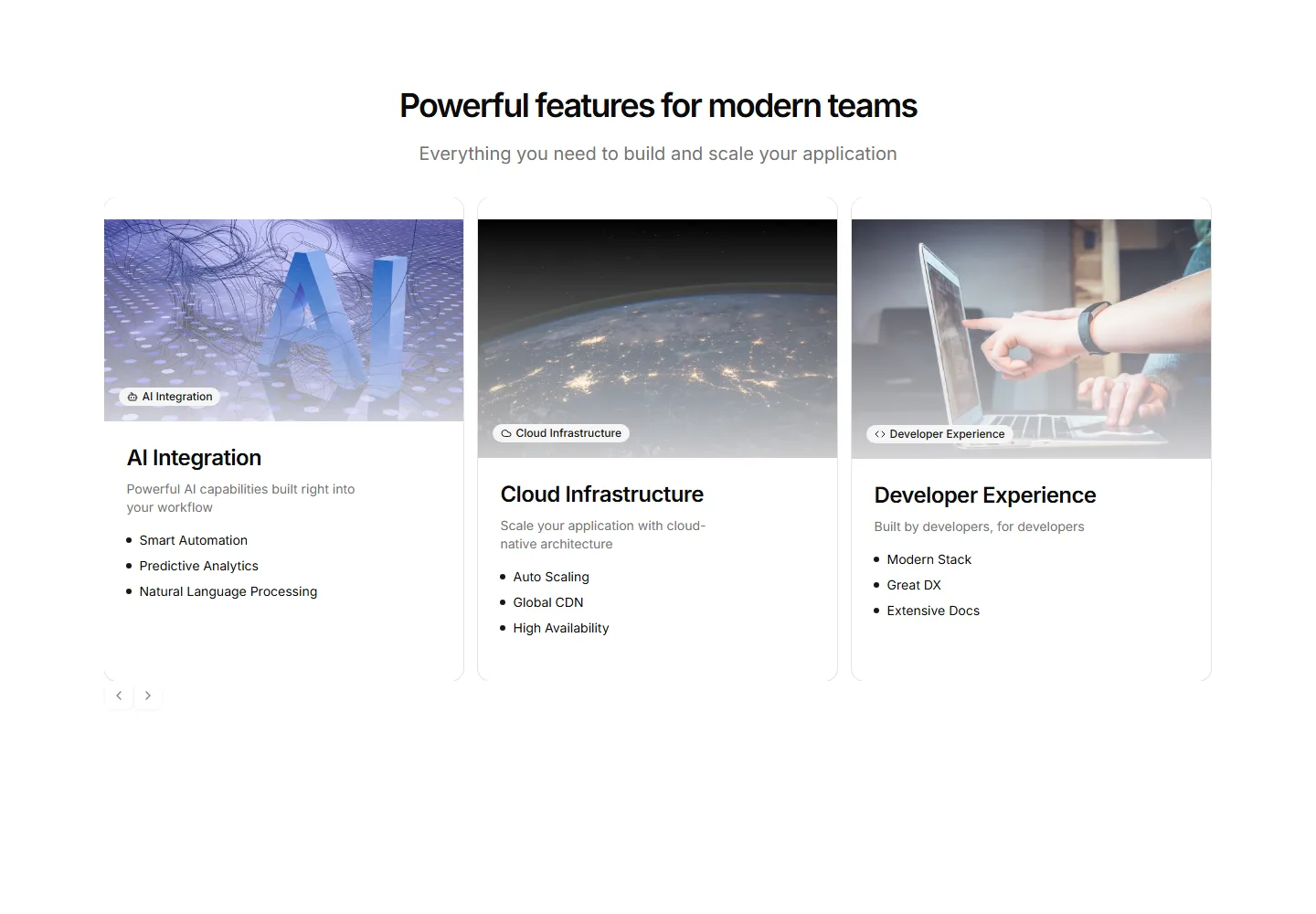
A feature block that places before and after states next to each other. Use it to show the change your app brings and let the difference speak plainly.
Alternating rows of feature copy beside supporting images. A reliable pattern for explaining several capabilities while keeping the page lively and balanced.
Feature descriptions interleaved with headline numbers and labels. Pairs the what with the proof so visitors trust the results on a app or pricing page.
Tabbed feature panels that swap content and visuals as visitors switch tabs. Organizes many capabilities into one compact, tidy section that stays readable.
Single open accordion of features paired with an analytics preview window.
A centered header above three feature rows that alternate sides, pairing icon led copy and check lists with framed app panel mockups.
Three alternating feature rows pairing copy and checklists with bar, line, and donut chart panels.
A centered header above two matched panels, a muted before column and a highlighted after column listing the same tasks with new time costs.
Centered intro above a bento of one large dashboard card and five smaller icon tiles.
Five features in mixed cell sizes, a sparkline lead and an inbox stack among quiet text cells.
A left aligned header above a framed table crossing six capabilities against three teams, marking coverage with checks and gaps with muted minus icons.
Three feature cards, each topped with a small chart, list, or form mockup.


