


Grid hover
A feature grid where each cell reveals more copy and a glow on hover. Keeps the section compact at rest, then rewards visitors who explore each capability.
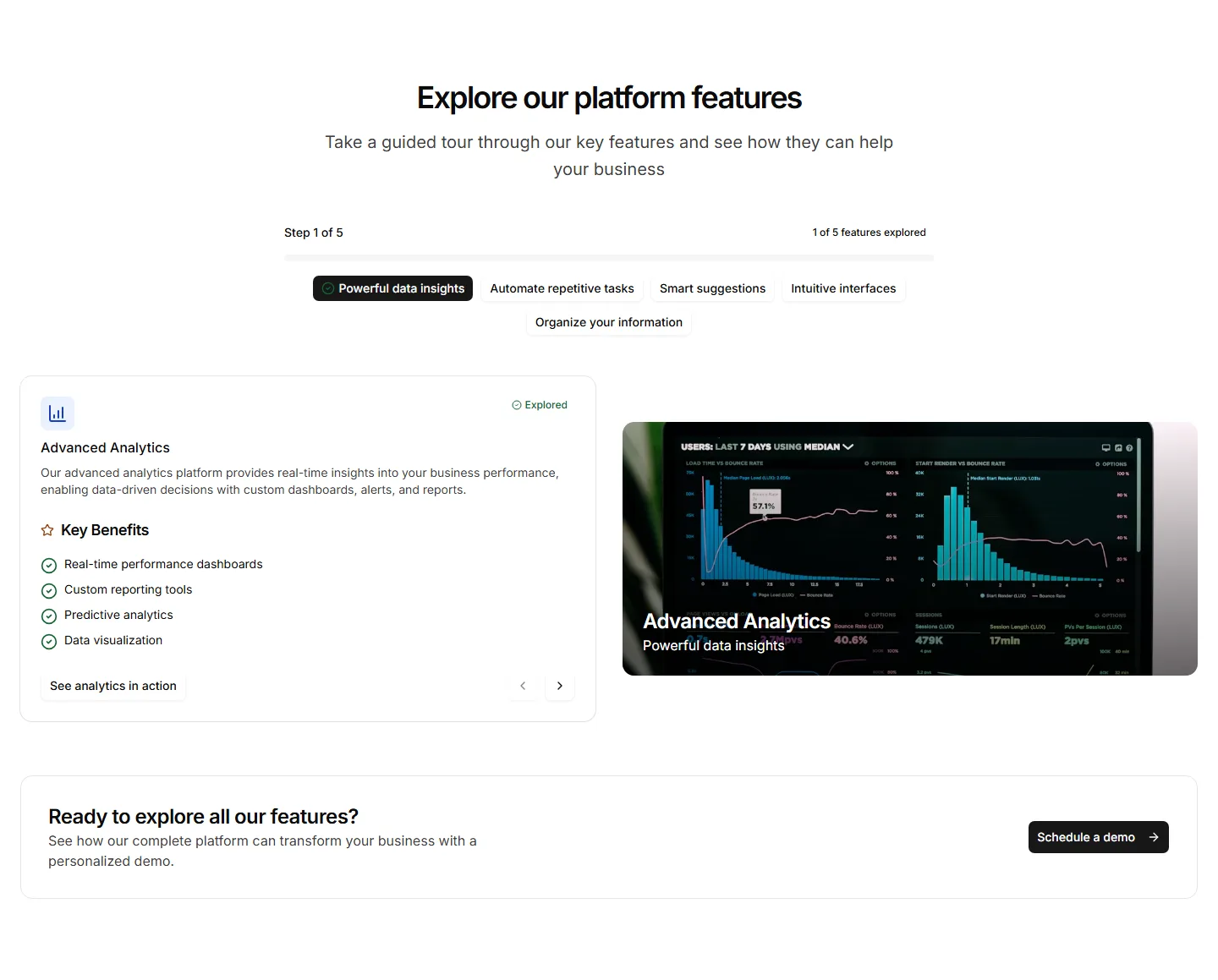
A guided, multi step layout that reveals features as the visitor advances. Useful for onboarding copy or walking through a setup flow one screen at a time.
A feature grid where each cell reveals more copy and a glow on hover. Keeps the section compact at rest, then rewards visitors who explore each capability.
A clean feature section with a heading, supporting text, and a short list of points. Reach for it when you want clarity over decoration on a marketing page.
Numbered steps that lay out how your app works from start to finish. Drop it on a homepage to turn a process into an easy three or four part story.
A feature section featuring a mock terminal with typed commands and output. Built for developer tools where showing real CLI usage sells the value fast.
Feature highlights in a swipeable carousel, one slide per capability with copy and a visual. Fits many features into a small space without a long scroll.
A feature block that places before and after states next to each other. Use it to show the change your app brings and let the difference speak plainly.
Alternating rows of feature copy beside supporting images. A reliable pattern for explaining several capabilities while keeping the page lively and balanced.
Feature descriptions interleaved with headline numbers and labels. Pairs the what with the proof so visitors trust the results on a app or pricing page.
Tabbed feature panels that swap content and visuals as visitors switch tabs. Organizes many capabilities into one compact, tidy section that stays readable.
Single open accordion of features paired with an analytics preview window.
A centered header above three feature rows that alternate sides, pairing icon led copy and check lists with framed app panel mockups.
Three alternating feature rows pairing copy and checklists with bar, line, and donut chart panels.


