


Expandable changelog
Collapsed version entries that open on click to reveal full details. Keeps a long release history short while letting readers drill into any update.
A dense changelog that packs many versions into a tight column. Ideal when you ship often and want the full history visible without heavy scrolling.
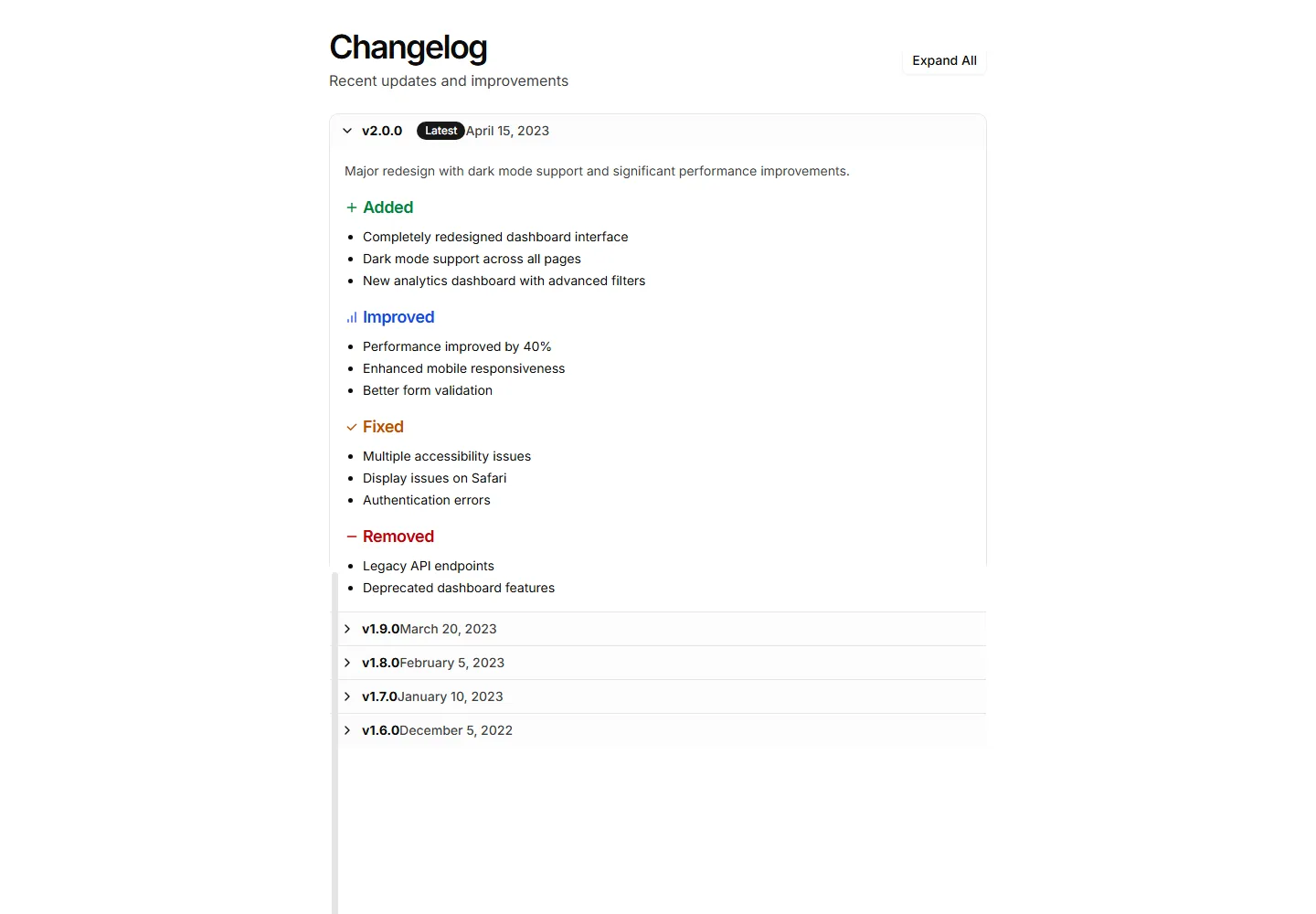
Collapsed version entries that open on click to reveal full details. Keeps a long release history short while letting readers drill into any update.
Release entries laid out as cards in a responsive grid. Use it to show recent updates side by side with badges, dates, and short summaries at a glance.
Updates clustered by month or release so related entries sit together. Good for apps with frequent shipping where context across versions matters.
A changelog with filters and clickable entries that reveal more detail. Lets visitors explore updates by type and focus on the releases that matter.
A pared back changelog with just dates, versions, and one line per change. Use it when you want updates to feel quiet and stay out of the way.
Release notes organized into tabs by version or category. Lets readers switch between updates without scrolling, keeping each release neatly contained.
A changelog rendered as a table with columns for version, date, and notes. Use it when readers need to scan and compare many releases quickly.
A vertical timeline that plots releases in order with dates and notes. Use it to tell the story of a app as it grows version over version.
A straightforward changelog list with version numbers, dates, and bullet points. Use it to post release notes when you want clarity over visual flourish.
Release notes split into Added, Fixed, and Changed sections under each version. Helps readers scan a busy update and jump to the changes they care about.
An accordion FAQ set against a tinted background panel. Each question expands to reveal its answer, keeping long lists of details tidy and easy to scan.
A grid of question cards, each holding one query and its answer inline. Lays out frequent questions clearly so visitors find what they need at a glance.


