


Card tabs
Tabs styled as raised cards, where the active panel lifts above the rest. Great for settings pages or dashboards that group related content into sections.
Tabs stacked in a sidebar column with panels rendered to the right. Built for settings, account, and documentation pages with many sections to navigate.
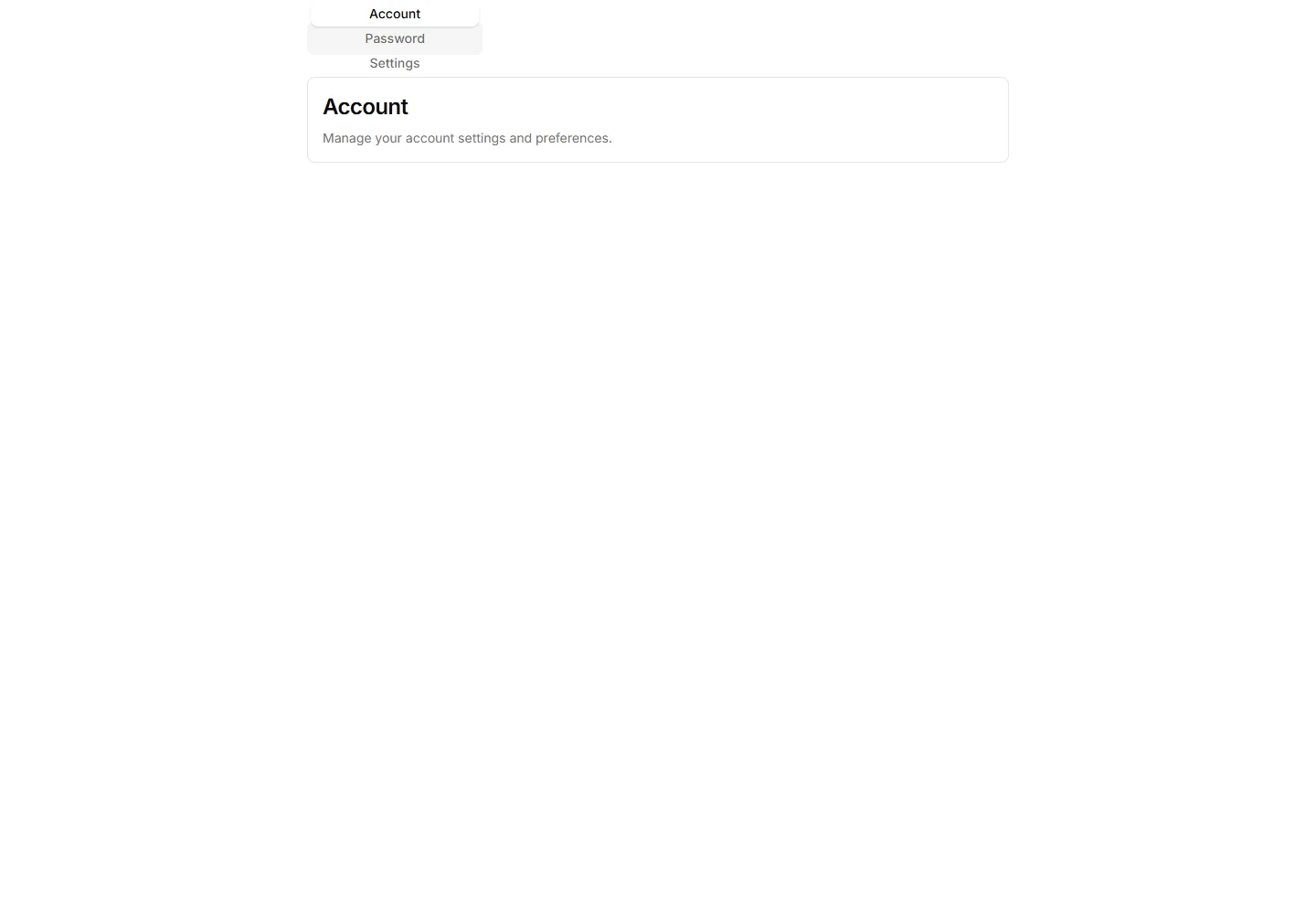
Tabs styled as raised cards, where the active panel lifts above the rest. Great for settings pages or dashboards that group related content into sections.
Tabs with a soft color gradient on the active trigger for a vivid accent. Use them on landing pages or feature views where the switcher should draw the eye.
Tabs that pair a small icon with each label so options read at a glance. Good for navigation menus and toolbars where space is tight and clarity matters.
Clean tabs with a thin underline marking the active item and no extra borders. Fits content heavy pages where the switcher should stay quiet and unobtrusive.
Tabs wrapped in a light border that frames each trigger and the active panel. Suits forms or profile screens that need clear structure between grouped fields.
Tabs shaped as rounded pills with a filled background on the active one. Ideal for filter bars and segmented controls that toggle between a few short views.
Pill-style Drinks, Food, and Dessert selector with a compact animated menu panel and keyboard-operable tabs.
Tabs where the selected trigger gains a subtle drop shadow for depth and focus. Works well on cards and panels that need a tactile, layered feel to the switch.
A breadcrumb trail wrapped in a soft tinted background bar. Anchors the top of a page and keeps navigation links readable above busy content.
A breadcrumb sitting inside a thin outlined container. Frames the navigation path cleanly on a dashboard header or any content section toolbar.
A breadcrumb housed in a rounded card with a subtle shadow. Lifts the navigation path off the page for detail views and account settings screens.
A tight breadcrumb with reduced spacing between its links. Fits crowded toolbars and mobile headers where horizontal room is in short supply.


