


Border gradient animation card
A card framed by a shifting gradient border that flows around the edges. Use it to highlight a premium tier or hero item in a grid of options.
A card whose border traces a moving outline around the edges. Use it to spotlight a featured plan, offer, or item that needs attention on the page.
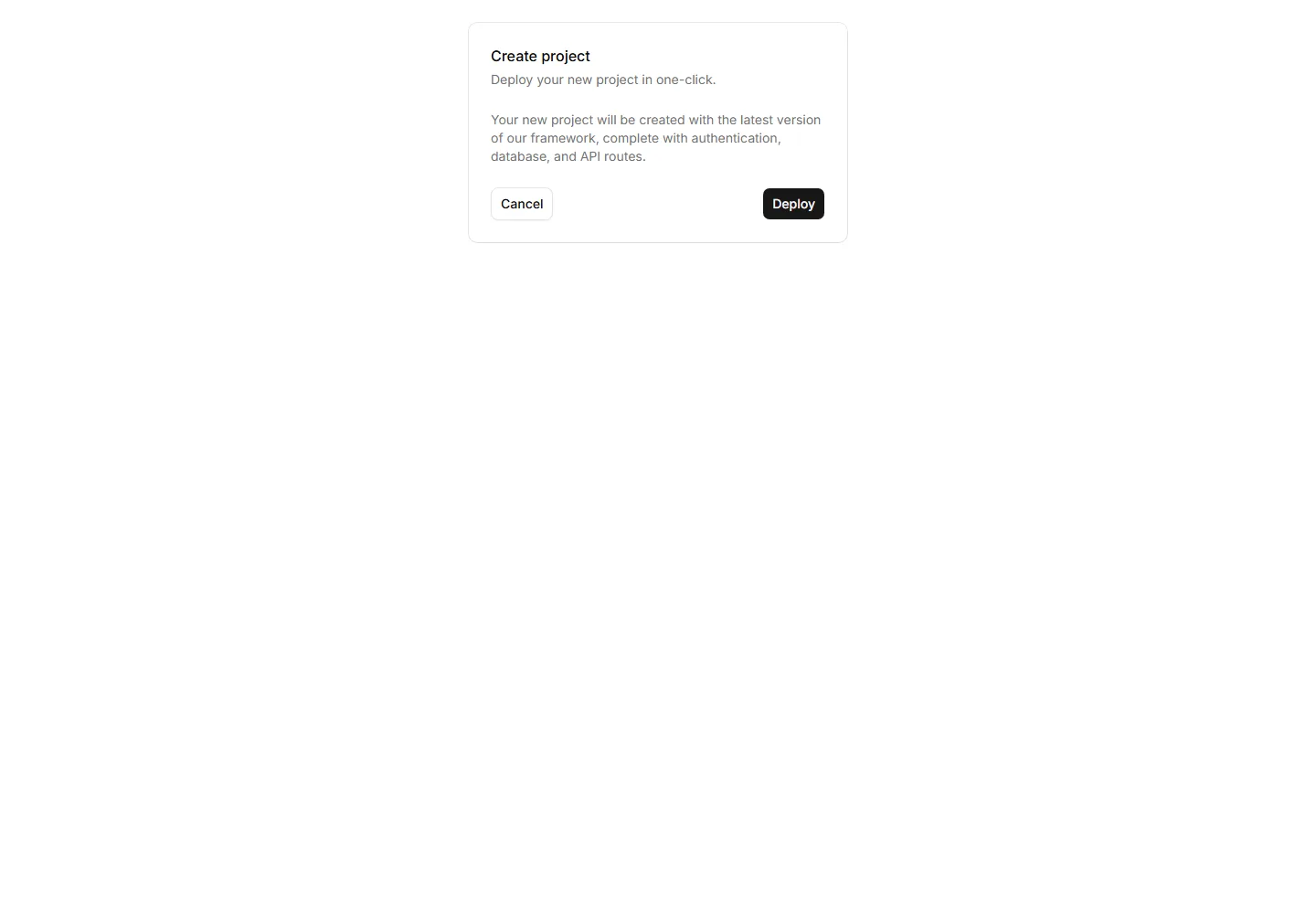
A card framed by a shifting gradient border that flows around the edges. Use it to highlight a premium tier or hero item in a grid of options.
A card that brightens its border when focused or hovered. Use it to mark the recommended choice in a pricing grid or a selected option in a form.
A card with a diagonal ribbon pinned to one corner for a short label. Use it to flag New, Sale, or Featured items in a app or listing grid.
A card with a notched border that carves out shape along its edge. Use it for tickets, coupons, or passes where a distinct outline reads as a stub.
A card outlined with a dashed border for a light, sketch feel. Use it for empty states, upload zones, or placeholders that invite the user to add content.
A card wrapped in two stacked outlines for a framed, formal look. Use it for certificates, awards, or quotes that deserve emphasis on the page.
A card that grows to reveal more text or controls when opened. Use it for FAQs, settings, or summaries that hide detail until the reader wants it.
A card edged with a static gradient outline that adds color without noise. Use it to set apart a key offer or profile in an otherwise plain grid.
A card that lifts, scales, or shades when the pointer moves over it. Use it for clickable tiles in a gallery, menu, or dashboard to signal they react.
A card that hides extra text or actions until hover uncovers them. Use it for portfolio tiles or features where the cover stays clean until needed.
A card led by a single icon above a short title and blurb. Use it for feature grids, service lists, or steps where a glyph anchors each point made.
A card that drifts toward the cursor as it nears, with a subtle pull. Use it for playful landing pages or feature tiles that reward a hovering pointer.


