


Large badge
A roomy badge with extra padding and larger text for clear reading. Use it to highlight a plan tier, count, or status across busy interfaces.
A badge that pairs a small icon with a label for instant meaning. Use it to tag categories, statuses, or actions where text alone reads slowly.
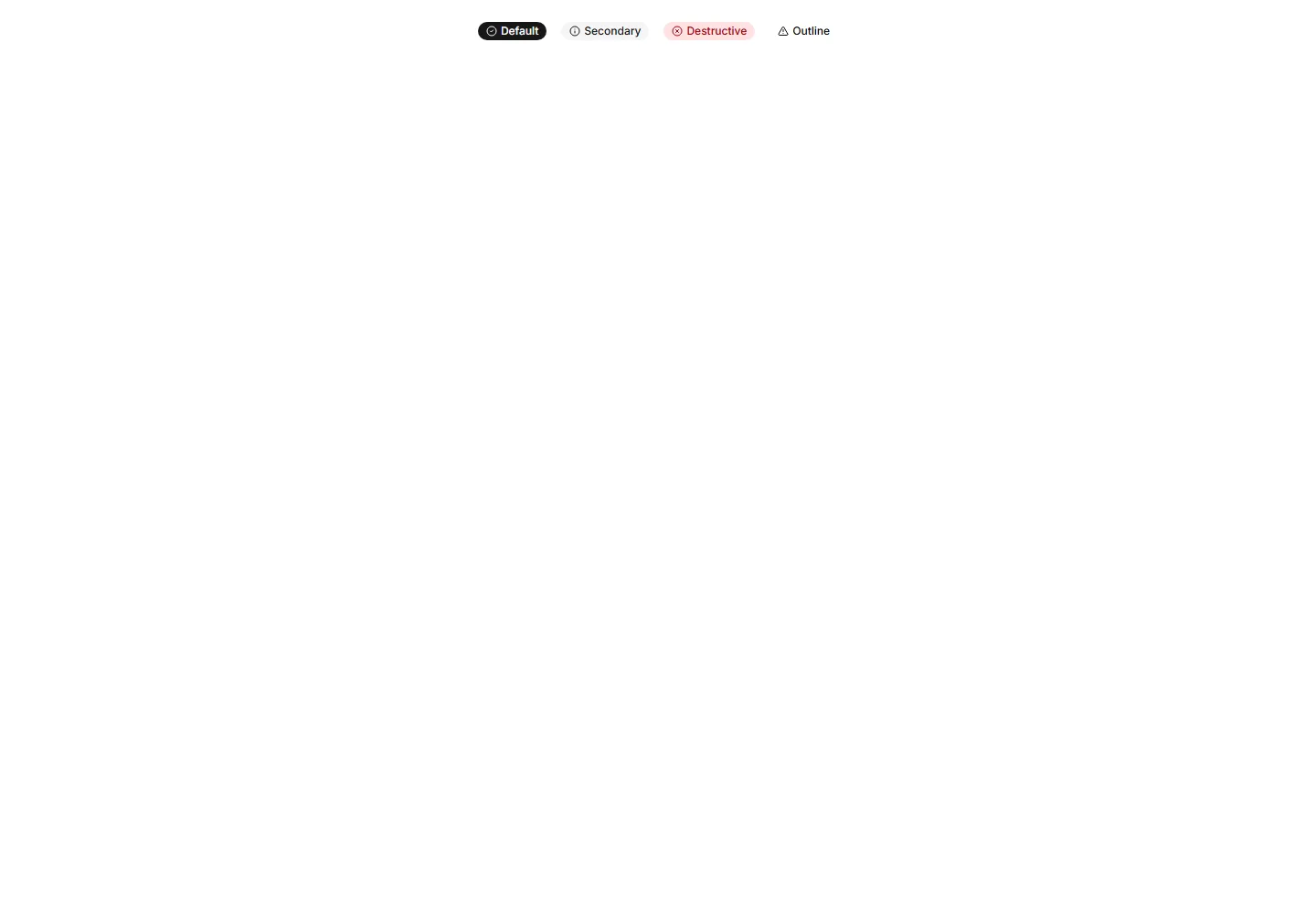
A roomy badge with extra padding and larger text for clear reading. Use it to highlight a plan tier, count, or status across busy interfaces.
A badge with a soft pulsing ring that radiates outward on a loop. Use it to signal live activity, unread items, or a recording session in progress.
A badge styled as a corner ribbon that drapes over a card edge. Use it to flag sale, new, or sold out states across app and gallery tiles.
A badge with sharp square corners and a compact footprint. Use it for crisp version tags, counts, or labels that suit a structured grid layout.
A badge with layered shadows and depth that lifts off the surface. Use it to spotlight a featured tag or premium label that needs to stand out.
A badge with a springy bounce animation that draws the eye on entry. Use it to flag new arrivals or fresh updates that should grab attention.
A badge paired with a small colored dot that shows status at a glance. Use it to show online, busy, or away states next to a name or avatar.
A badge raised above the surface with a soft drop shadow. Use it to mark a priority label or count that should read as floating above content.
An oversized badge with generous padding and bold text for high visibility. Use it on hero areas or banners where a tag must read from a distance.
A badge wrapped in a colorful gradient outline around plain fill. Use it to mark beta, pro, or featured labels that need a vivid accent edge.
A badge that grows slightly when the pointer rests on it. Use it for interactive tags or filters where a touch of feedback invites a quick click.
Alerts with a colored bar on the left edge that signals tone at a glance. Use for status messages where the color cue matters more than the icon.


