


Paper alerts
Alerts styled like a paper card with subtle texture and soft edges. Use for printed style notices, receipts, or warm document driven layouts.
Alerts defined only by a clean border with no fill behind the text. Use on colored or busy backgrounds where a solid panel would feel heavy.
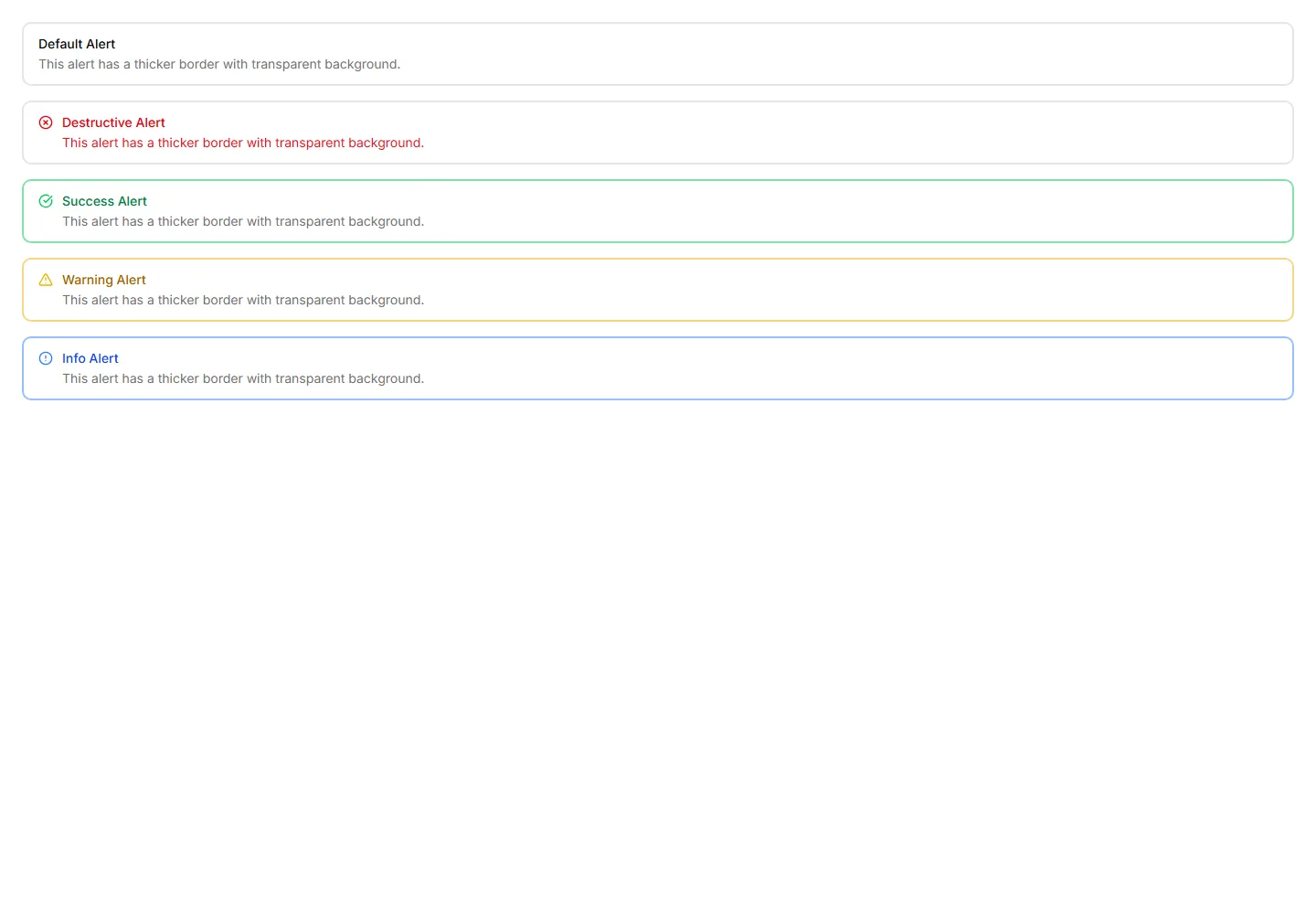
Alerts styled like a paper card with subtle texture and soft edges. Use for printed style notices, receipts, or warm document driven layouts.
Alerts with a border that gently pulses to catch attention over time. Use for live updates, countdowns, or urgent notices that should not be missed.
Alerts with a colored bar on the right edge for a mirrored accent. Use in right aligned layouts or when the left side already holds an icon.
Alerts topped with a colored bar across the upper edge for a header cue. Use for grouped notices where the accent reads like a small banner.
Alerts with a colored bar on the left edge that signals tone at a glance. Use for status messages where the color cue matters more than the icon.
Alerts framed by a colored border on every side for strong emphasis. Use when a notice must stand out clearly against a busy page or dashboard.
Plain alerts with an icon, title, and message in a soft container. Use for everyday notices like saved changes, confirmations, and short tips.
Alerts with a colored underline along the bottom edge for a subtle cue. Use for inline messages in forms or cards that need only light emphasis.
Slim alerts with tight padding and a single line of text inside. Use in dense layouts, tables, or sidebars where vertical space stays limited.
Alerts outlined with a dashed border for a lighter, sketch like feel. Use for draft notices, placeholders, or optional tips in a quiet tone.
Alerts with a close button so users can clear a notice once read. Use for cookie banners, promotions, and warnings that should not stay forever.
Alerts wrapped in a dotted border for a soft, playful outline. Use for casual reminders, tips, or low priority notes in friendly interfaces.


