


Glow border alerts
Alerts ringed by a soft glowing border that draws the eye gently. Use for promotions or new feature notices that need a warm, inviting accent.
Alerts with a blurred, translucent backdrop that reveals content behind. Use over images or hero sections where a glassy notice fits the design.
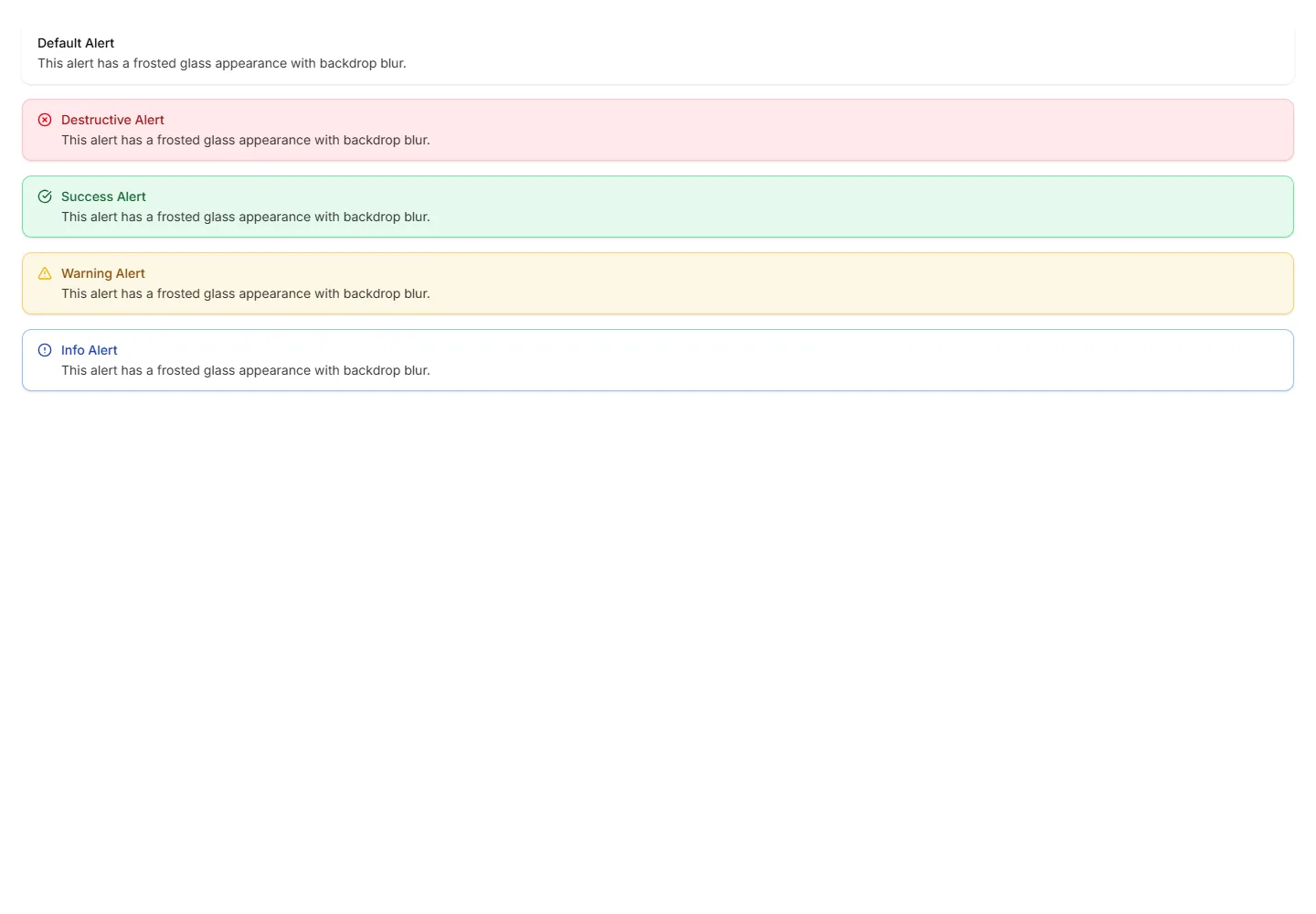
Alerts ringed by a soft glowing border that draws the eye gently. Use for promotions or new feature notices that need a warm, inviting accent.
Compact alerts that pair a status icon with a short message and no title. Use for quick inline feedback where space is tight and tone is clear.
Alerts with an inset shadow that sinks slightly into the surface. Use for grouped notices inside cards or panels that feel part of the layout.
Alerts set in a monospace typeface for a technical, code style tone. Use for build output, terminal messages, or warnings aimed at developers.
Alerts defined only by a clean border with no fill behind the text. Use on colored or busy backgrounds where a solid panel would feel heavy.
Alerts styled like a paper card with subtle texture and soft edges. Use for printed style notices, receipts, or warm document driven layouts.
Alerts with a border that gently pulses to catch attention over time. Use for live updates, countdowns, or urgent notices that should not be missed.
Alerts with a colored bar on the right edge for a mirrored accent. Use in right aligned layouts or when the left side already holds an icon.
Alerts topped with a colored bar across the upper edge for a header cue. Use for grouped notices where the accent reads like a small banner.
Alerts with a colored bar on the left edge that signals tone at a glance. Use for status messages where the color cue matters more than the icon.
Alerts framed by a colored border on every side for strong emphasis. Use when a notice must stand out clearly against a busy page or dashboard.
Plain alerts with an icon, title, and message in a soft container. Use for everyday notices like saved changes, confirmations, and short tips.


