


Developer user profile
A developer profile with API keys, access tokens, connected apps, and usage notes. Use it on settings pages where engineers manage their integrations.
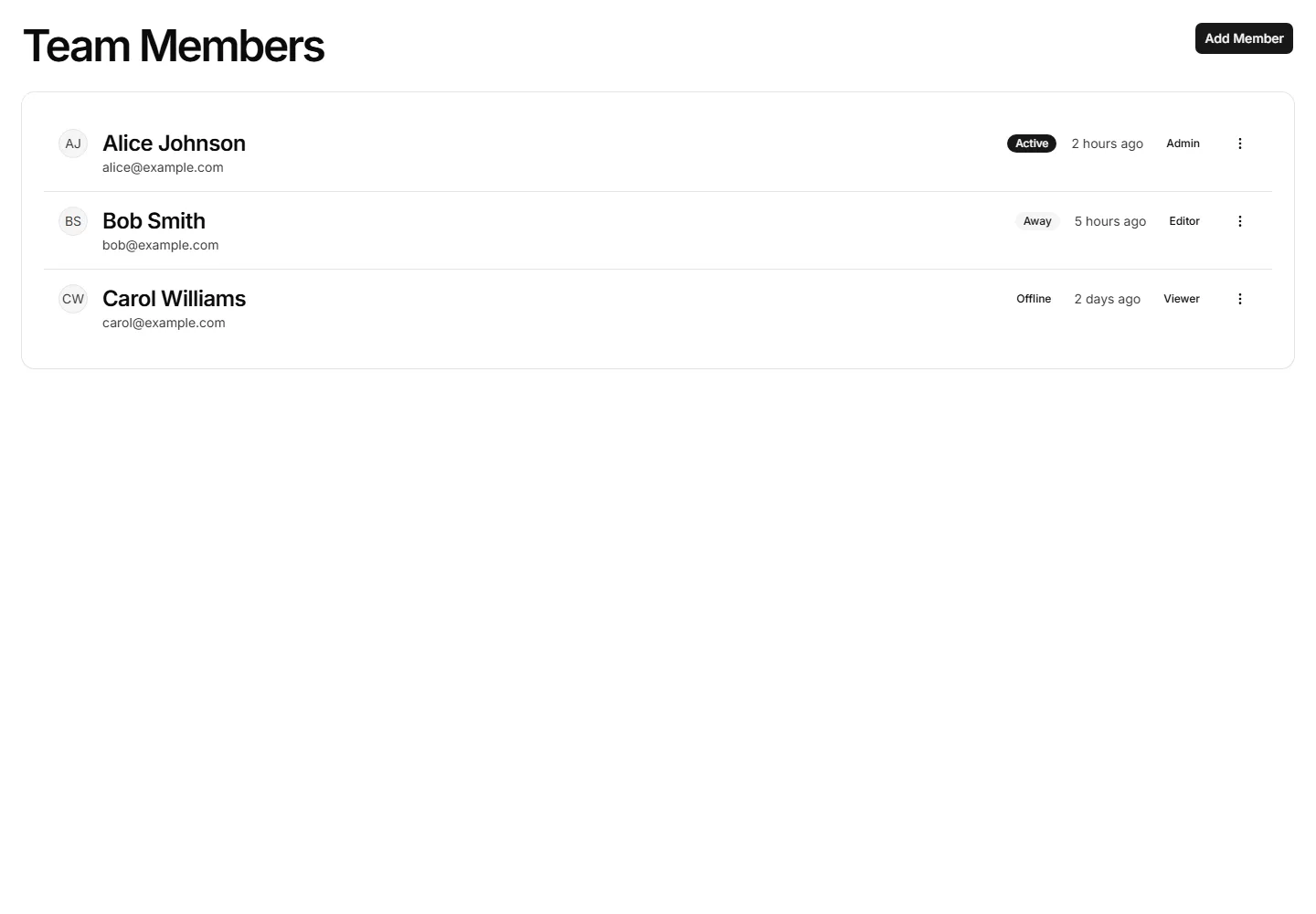
A dense list of user profiles with avatar, name, role, and quick actions per row. Fits admin tables and directories where space stays tight.
A developer profile with API keys, access tokens, connected apps, and usage notes. Use it on settings pages where engineers manage their integrations.
A guided profile setup with steps for avatar, name, and preferences. Use it right after signup to help new users finish their account quickly.
A profile permissions panel listing roles and toggles for what a member can view or edit. Use it where admins grant access across an application.
A profile security view showing recent sign ins, devices, locations, and times. Use it so members can spot odd activity and protect their account.
A clean profile card with avatar, name, bio, and a few key details. Use it for a focused account summary on dashboards or member directory pages.
A profile layout split into tabs for account, security, and notifications. Use it to organize many settings without crowding a single long page.
A grid of teammate profiles with photos, titles, and contact buttons. Use it on an about page or internal directory to introduce the whole team.
A profile header paired with metrics like followers, posts, and reputation. Use it on social or community pages to show a member at a glance.
A profile billing view with current plan, payment method, invoice history, and an upgrade prompt. Use it where members manage subscriptions and receipts.
A two panel login screen pairing a sign in form with a side image. Use it to add brand personality to authentication on web apps and dashboards.
The invite named, inviter, role, what it grants, and the days left to accept.
An account collision gate showing a Google sign in beside an existing password account, a link action, and a password sign in fallback.


