


Integration logs table
Integration event log with timestamp, direction, event name, HTTP status badge, duration, and an expanded error detail row for failed events.
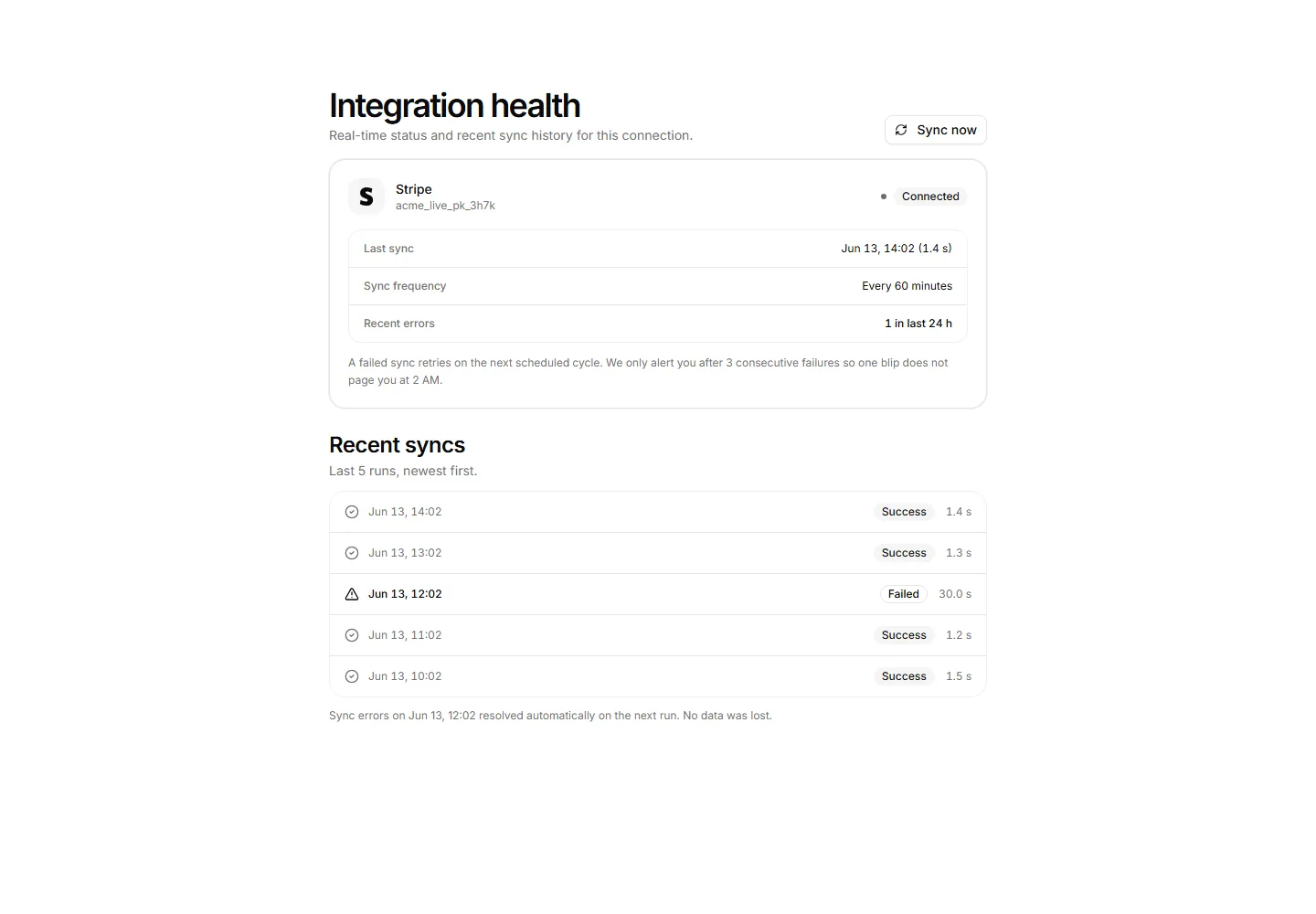
Per-integration health panel showing connected status, last sync time, sync frequency, error count, and a five-run sync history.
Integration event log with timestamp, direction, event name, HTTP status badge, duration, and an expanded error detail row for failed events.
Browseable integration directory with category chips, a search field, and six cards showing brand name, one-line description, Install or Installed state, and a verified trust line.
Request board for missing integrations with a submission form, then top requested tools ranked by votes with upvote buttons and roadmap status badges.
A guided setup wizard with a vertical step rail beside a pane of sync direction cards, a conflict rule note, and Back and Continue actions.
Six integration tiles with category chips, Connected badges on active connections, and a support footer.
An allowlist panel with an enforcement badge, a current address warning, an add form, and rows of CIDR ranges with owners and last match times.
OAuth grant screen listing exact permissions granted and a cannot list, connecting as a named account, with Authorize and Cancel actions.
OAuth permissions audit panel listing each app scope with a plain-English description, risk level, and a per-scope revoke affordance.
API rate limit card showing current rpm usage against the plan cap with a progress bar, rolling window details, and the queue-not-drop policy.
A quickstart panel with a language tab strip, three numbered steps for install, auth, and a first request with copyable code, and reference links.
Slack integration config panel showing the connected workspace, a channel selector, per-event notification toggles, a test-message affordance, and a disconnect section.
Conflict queue where two systems changed one field, shown as side by side value panels with per side keep actions and a default rule note.


