


Settings shell
Three column settings scaffold, icon rail, secondary nav with Danger zone, content column.
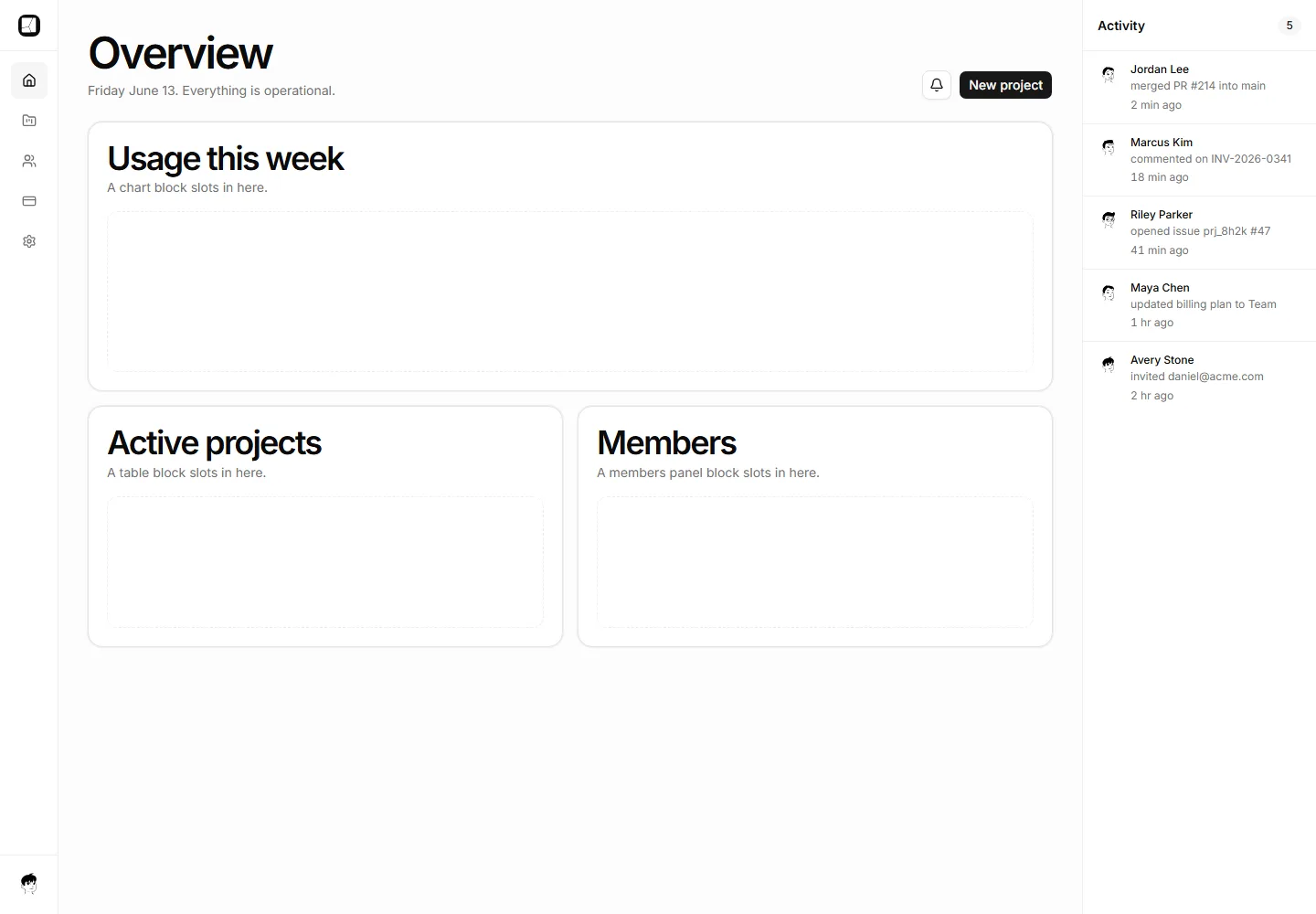
Three-column shell with an icon nav rail, main content area, and a right context rail showing a live activity list.
Three column settings scaffold, icon rail, secondary nav with Danger zone, content column.
The navigation rail with active state, command hint, and labeled drop zones for your pages.
Full-page shell with a slim top bar and a 50/50 editor and preview pane split for authoring and live-preview workflows.
App shell with a sticky bulk-actions and filter toolbar that stays pinned above a scrollable data table.
A full-page shell with a sidebar, a named resource header, and a horizontal tab row delivering sub-view content below.
Horizontal nav with the Acme lockup, five links, a command hint, and the page below.
Master-detail layout with a six-row project list pane and a wide detail pane showing the selected item header.
Multi-step flow shell with a slim header step indicator, centered content column, and sticky back and continue footer.
A full-page docs shell with a slim topbar, a column of anchored section cards, and a sticky On this page rail tracking the active section.
IDE style shell with a slim run bar, an open canvas, a docked console panel with log tabs, and a pinned status bar.
Full-page shell for deep detail views with a breadcrumb trail, page title, meta row, and action buttons above two content panels.
A gallery workspace shell with an icon nav rail, a toolbar with search, sort, and view toggle, and a responsive card grid of projects.


