


Accessibility preferences panel
Accessibility settings panel with a text size selector, live sample line, and grouped vision, motion, and screen reader switches with helper text.
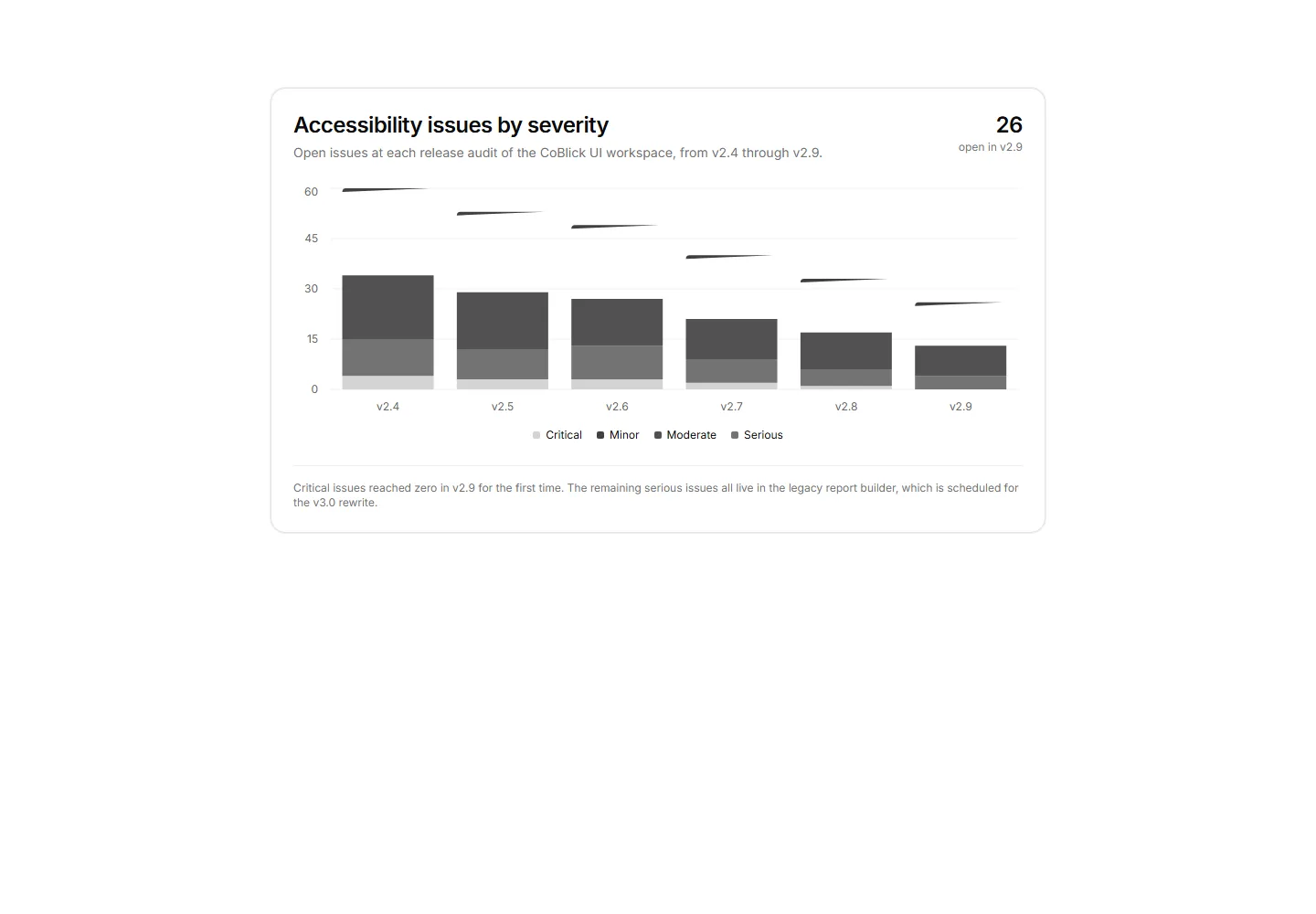
Stacked bar chart card tracking open accessibility issues by severity across six release audits with a headline count and remediation note.
Accessibility settings panel with a text size selector, live sample line, and grouped vision, motion, and screen reader switches with helper text.
A review list of flagged images, each row pairing a thumbnail, page location, current alt state, and a suggested description to approve or edit.
Screen reader support matrix crossing core app flows with four assistive tech pairings, labeled status cells, and an open findings list.
A VPAT style summary with app metadata, one section per WCAG principle showing a segmented support bar and criteria counts, plus notable criterion rows.
Theme token contrast audit card showing computed ratios and AA and AAA pass badges for normal and large text across four Acme token pairings.
Split audit view pairing a dialog blueprint with numbered focus markers beside a stop list showing selectors, roles, and flagged order issues.
Indented document heading tree with landmark chips, level tags, and issue badges for skipped levels, empty headings, and a duplicate H1.
Keyboard shortcut reference table covering global browser keys and Acme app shortcuts rendered with Kbd components, action descriptions, and context labels.
ARIA live region event log with timestamps, politeness badges, source selectors, and flags for duplicate, chatty, and empty announcements.
Media library audit pairing coverage tiles and progress bars with a per asset table of caption, transcript, and audio description chips.
An animation inventory with per effect trigger, a duration bar on a shared scale, and a badge for whether each honors the reduced motion setting.
Accessible name audit table listing Acme workspace UI elements with their computed label, ARIA role, labeled or missing status, and an exact fix hint.


