


Stat cards with description
Stat cards that place a short line of context under each number. Use when a raw figure needs explanation, like a comparison to the prior month.
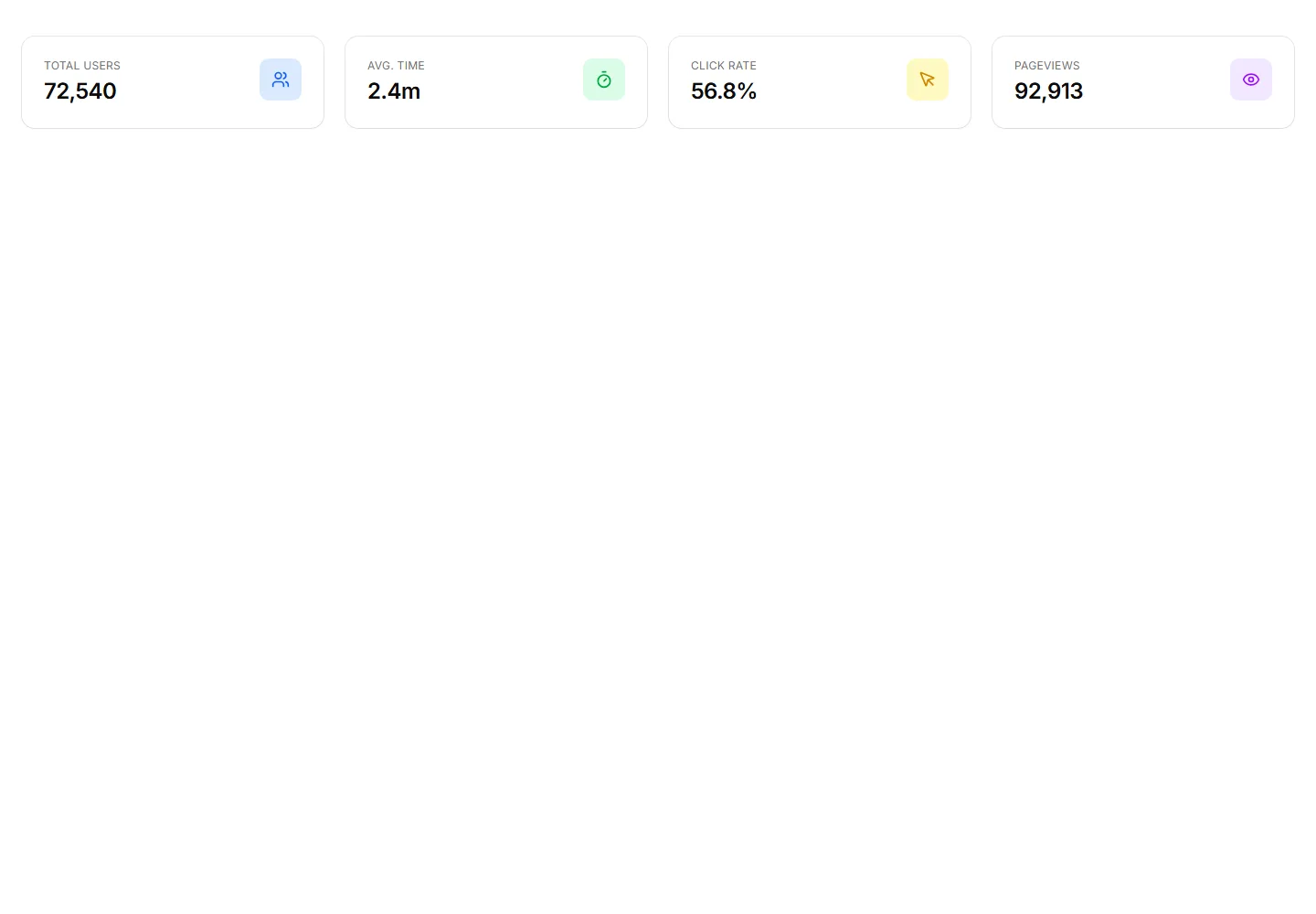
Metric cards that pair each figure with a tinted icon set in a colored circle. Use to make categories easy to scan on a busy analytics dashboard.
Stat cards that place a short line of context under each number. Use when a raw figure needs explanation, like a comparison to the prior month.
Metric cards with a small icon beside every value for quick recognition. Use on overview screens where users skim totals by category very fast.
Stat cards that pair a number with a progress bar moving toward a target. Use to show goal completion for revenue, storage, or active user counts.
Clean metric cards that display a label and a single number set side by side. Use across a dashboard header to surface key totals at a glance.
Stat cards pairing each number with a small badge that shows change or trend. Use to flag growth or decline next to revenue and signup totals.
Month grid calendar with per-day activity dots scaled by event count and a selected-day event list beside it.
Weekday by hour heatmap of workspace events with intensity cells, a Less to More legend, and peak and quiet window callouts.
Pending requests with context and age, approve or deny, expiry told to the asker.
Compliance export form with date range, event count, format selector, and an append-only log disclosure note.
The compliance log grouped by day, mono actions, second precision, source IPs.
A card listing scheduled automation runs with a status icon, workflow name and trigger, duration, finish time, an expanded error row, and a next run footer.
A digest card grouping activity accrued while away by project, each with a total badge, typed summary lines, an avatar cluster, and a review action.


